 Bios & Prompts
Hinge Video Prompts: What to Record for More Replies
Build a Hinge video prompt that feels natural, shows something photos cannot, sounds clear, and gives matches an easy detail to respond to.
In this article10 sections
- What a Video Prompt Should Add
- Choose the Scene Before the Prompt
- The One-Moment Formula
- Record for Clarity, Not Production Value
- Sound Natural Without Improvising Forever
- Video Prompt Mistakes to Avoid
- Where to Place the Video in Your Profile Story
- A Quick Video Prompt Test
- Frequently Asked Questions
- References
A Hinge video prompt can show what six still photos cannot: your timing, voice, movement, and the way you react in a real moment. It can also make a polished profile feel strangely stiff if the clip looks rehearsed.
The goal is not to produce a miniature commercial. It is to make one useful part of your personality easier to experience.
Hinge's official prompt editor explains that video prompts pair a selected prompt with a video recorded through the app. The feature is optional, which is important: an average clip is not automatically better than a strong photo or written answer.
What a Video Prompt Should Add
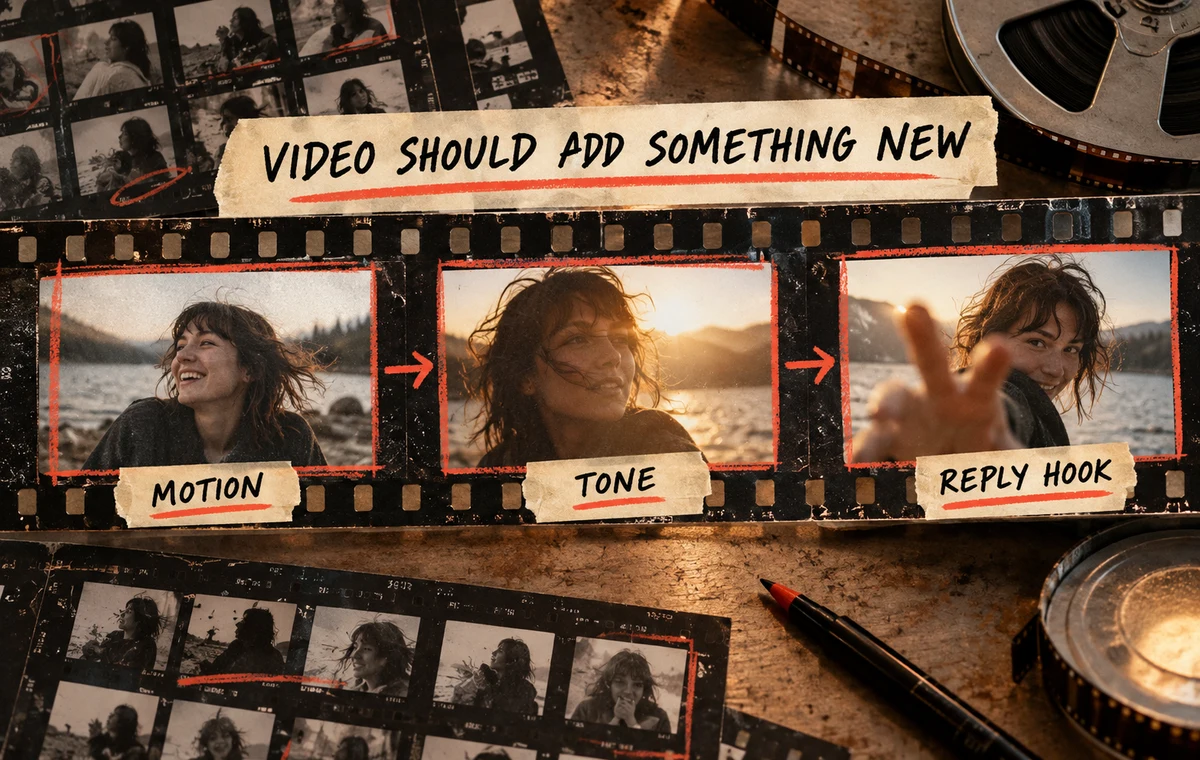
Every profile slot should do a different job. Your first photo handles recognition. Activity photos show context. Written prompts reveal opinions or stories. A video should add motion, tone, or a moment that loses something when described in text.
Good video material includes:
- showing a small skill rather than claiming it;
- introducing a pet with a natural interaction;
- reacting to a harmless opinion with expressive delivery;
- sharing a quick view from a real hobby or routine;
- telling a tiny story where timing matters.
Avoid using the slot to repeat your bio word for word.
Choose the Scene Before the Prompt
Most people scroll prompts first and try to invent a performance. Reverse the order.
Ask what you can genuinely film:
- making the one dish you know well;
- your dog reacting to a familiar routine;
- a short clip from a hobby space;
- a funny object with a real story;
- a calm direct answer in good light.
Then select a prompt that gives the scene context. A real moment makes you look more comfortable and gives the viewer something concrete to mention.
The One-Moment Formula
Use this structure:
- Immediate context — begin where the interesting part starts.
- One clear reveal — show the skill, opinion, reaction, or story beat.
- An open edge — leave one detail that invites a question.
Example:
“This is the only pasta I can make without a recipe. The controversial part is what goes in at the end.”
The clip can show the pan while the line supplies the hook. It does not need a formal greeting or a call to action.
Make Sure the Video Matches the Photos
A warm, relaxed clip can clash with a photo lineup that looks distant or overly staged. ProfileSharp helps find those mixed first-impression signals.
Record for Clarity, Not Production Value
You do not need special equipment. You do need to remove friction.
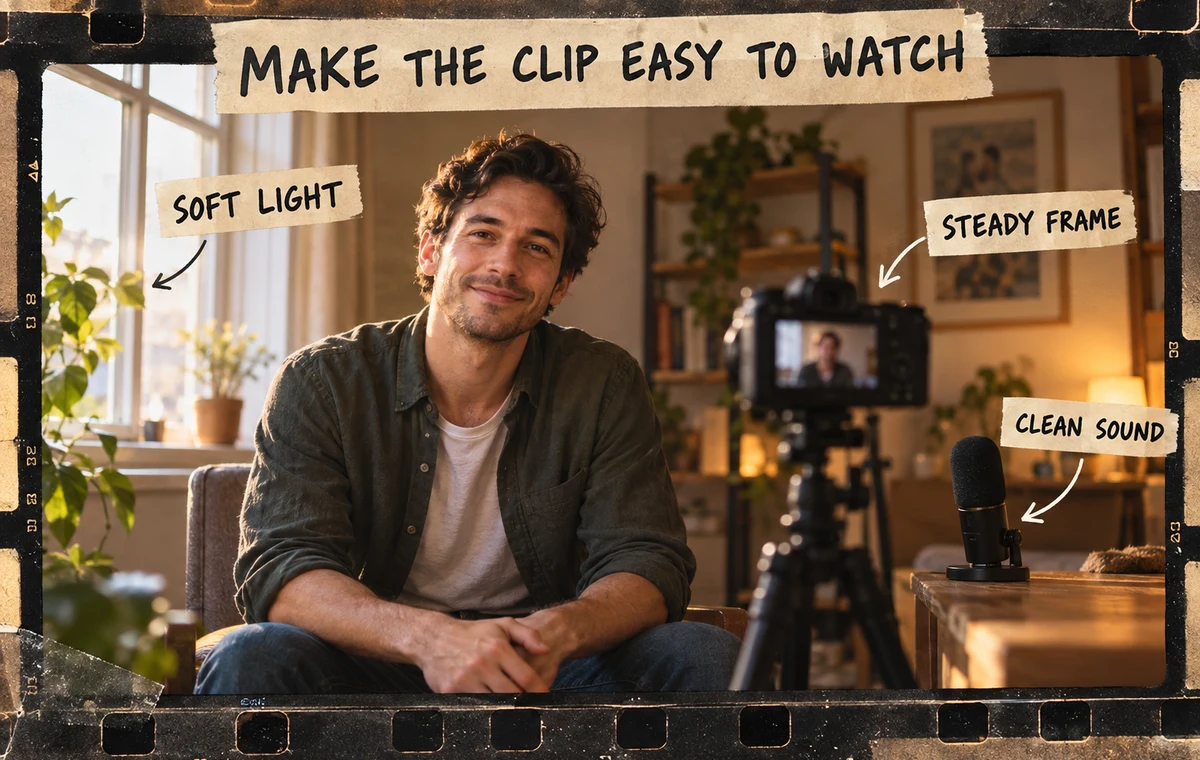
- Face a window or soft light.
- Keep the phone stable and near eye level.
- Record where your voice is easy to hear.
- Clean the lens.
- Look at the camera when speaking directly.
- Keep the background intentional but ordinary.
If the scene is loud, visually chaotic, or too dark, the viewer spends attention decoding the clip instead of noticing you.
Sound Natural Without Improvising Forever
Natural does not mean unprepared. Write three bullets, not a script:
- the first line;
- the key detail;
- the ending beat.
Record three or four takes. In each take, keep the meaning but change the wording slightly. Choose the version where your face and voice feel relaxed, even if it is not verbally perfect.
Reading a polished paragraph usually sounds less confident than saying a simple thought in your own rhythm.
Video Prompt Mistakes to Avoid
The long introduction
“Hey, I’m new to this, I don’t usually make videos…” spends the entire opening apologizing for the format.
The résumé
Listing your job, hobbies, and travel history duplicates fields that already exist.
The performance character
An exaggerated voice or rehearsed persona creates a trust gap with the rest of the profile.
The invisible context
Talking about an activity while filming against a blank wall wastes the medium. Show the object, place, or action when practical.
The private joke
A clip that only close friends understand gives a stranger no way in.
Where to Place the Video in Your Profile Story
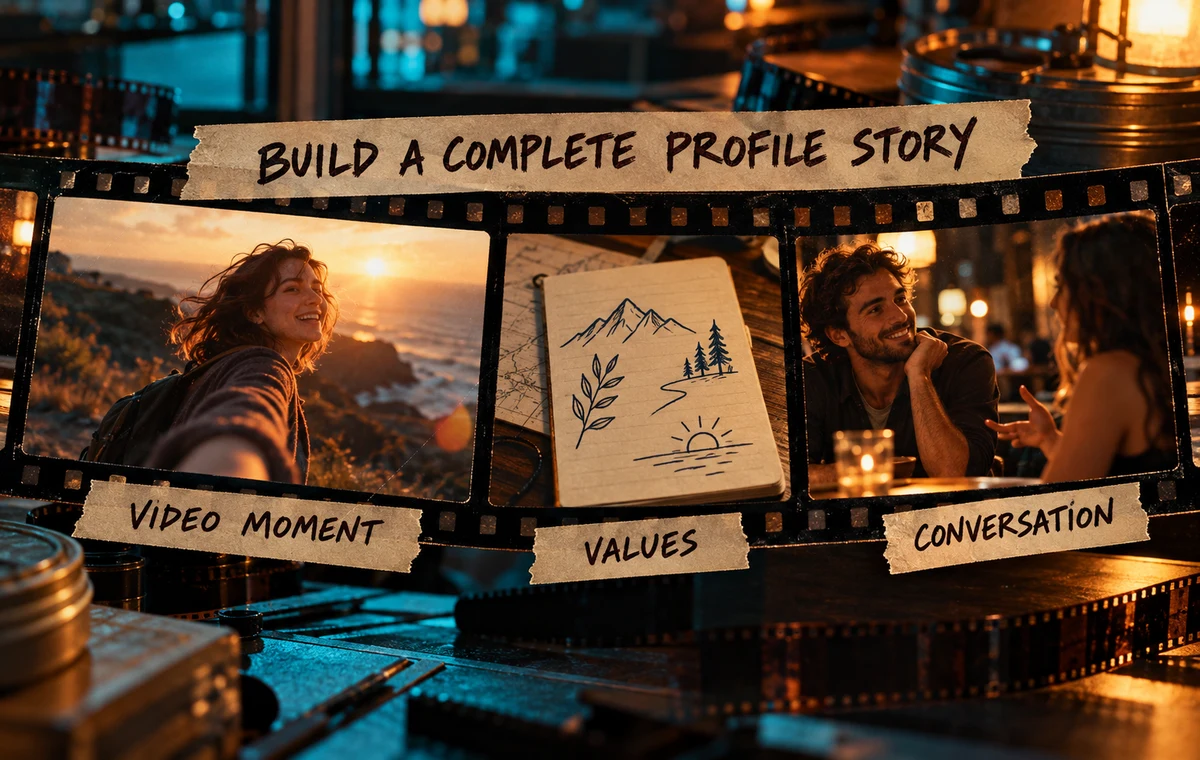
Think of the profile as a sequence. A video works best after the viewer can recognize you but before every interesting detail has already been explained.
Pair it with written prompts that do different jobs. If the video is playful, use one written answer for values and another for an easy date idea. The Hinge prompt guide can help balance those roles.
A Quick Video Prompt Test
Watch the clip once with sound and once muted.
With sound, ask:
- Is every word easy to hear?
- Does the tone feel like me?
- Is there one detail worth replying to?
Muted, ask:
- Is my face visible?
- Is the action understandable?
- Does the body language feel comfortable?
Finally, show it to one friend and ask what they would message about. If they cannot identify a hook, the clip needs a clearer moment.
Audit the Whole Profile, Not One Clip
A strong video cannot rescue a confusing first photo or repetitive lineup. Review the complete sequence before deciding the video is the problem.
Frequently Asked Questions
Are Hinge video prompts required?
No. They are optional. Use one only when it adds something useful beyond the rest of your profile.
Should I talk directly to the camera?
You can, especially for a short opinion or story. A clip showing a real activity can feel more natural when the camera also captures the context.
How many takes should I record?
Usually three or four. More takes often make delivery stiffer rather than better.
Should I use music in the background?
Only if it does not interfere with your voice or create copyright and context problems. Clear natural audio is safer.
What if I hate how I look or sound on video?
Record in soft light, use a stable eye-level angle, and keep the moment short. If the clip still feels unlike you, skip it and strengthen a photo or written prompt instead.