 Bios & Prompts
Bumble Travel Mode: Build a Profile Before Your Trip
Use Bumble Travel Mode to meet people before a trip, choose one city, update your profile for local context, and turn matches into realistic plans.
In this article8 sections
Bumble Travel Mode lets you place your profile in another city before you physically arrive. That can give you time to match, talk, and make a realistic plan instead of spending the first half of a short trip swiping from a hotel room.
The feature is only the location layer, though. It cannot make an ordinary profile feel relevant to someone who lives in the city you selected. The best results come from combining Travel Mode with an honest trip window, current photos, and one or two details that make a local conversation easy.
This guide separates Bumble's current product rules from the profile choices that help you use those seven days well.
How Bumble Travel Mode Works
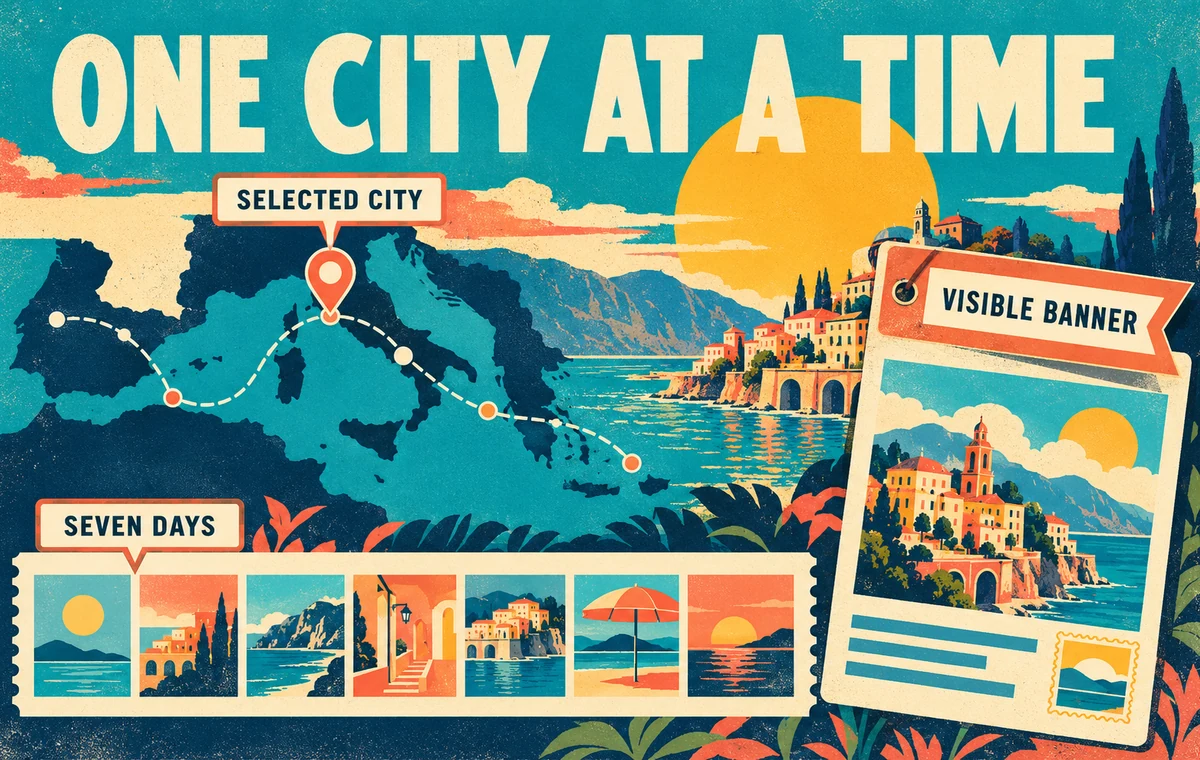
According to Bumble's official Travel Mode guide, the feature lets you set one virtual location for seven days. It is available in the Bumble app to Premium and Premium+ members.
The important rules are:
| Setting | Current Bumble behavior |
|---|---|
| Location | One selected virtual location at a time |
| Duration | Seven days |
| Visibility | Your profile displays a Travel Mode banner |
| Access | Bumble Premium or Premium+ in the mobile app |
| Control | You can change the city or turn the feature off |
Bumble also notes that people who already liked you may not become visible merely because you changed location. Think of Travel Mode as changing where your profile is shown going forward, not as unlocking every past interaction from that place.
The banner matters. People can see that you are using Travel Mode, so trying to disguise the trip is unnecessary and often counterproductive. Give them the context they need to decide whether your timing works for them.
Choose the City You Can Actually Use
The broadest or most famous location is not automatically the best one. Choose the city where you will actually spend time and can realistically meet someone.
If you are staying outside a major city, consider travel time before setting your location downtown. A match that requires a two-hour round trip during a packed itinerary is unlikely to become a date. The right city is the one that supports an easy plan, not the one that produces the largest possible stack.
For a multi-stop trip, use the feature sequentially. Give each location a focused window rather than changing cities so often that conversations lose context.
Update Your Profile Before You Switch Locations
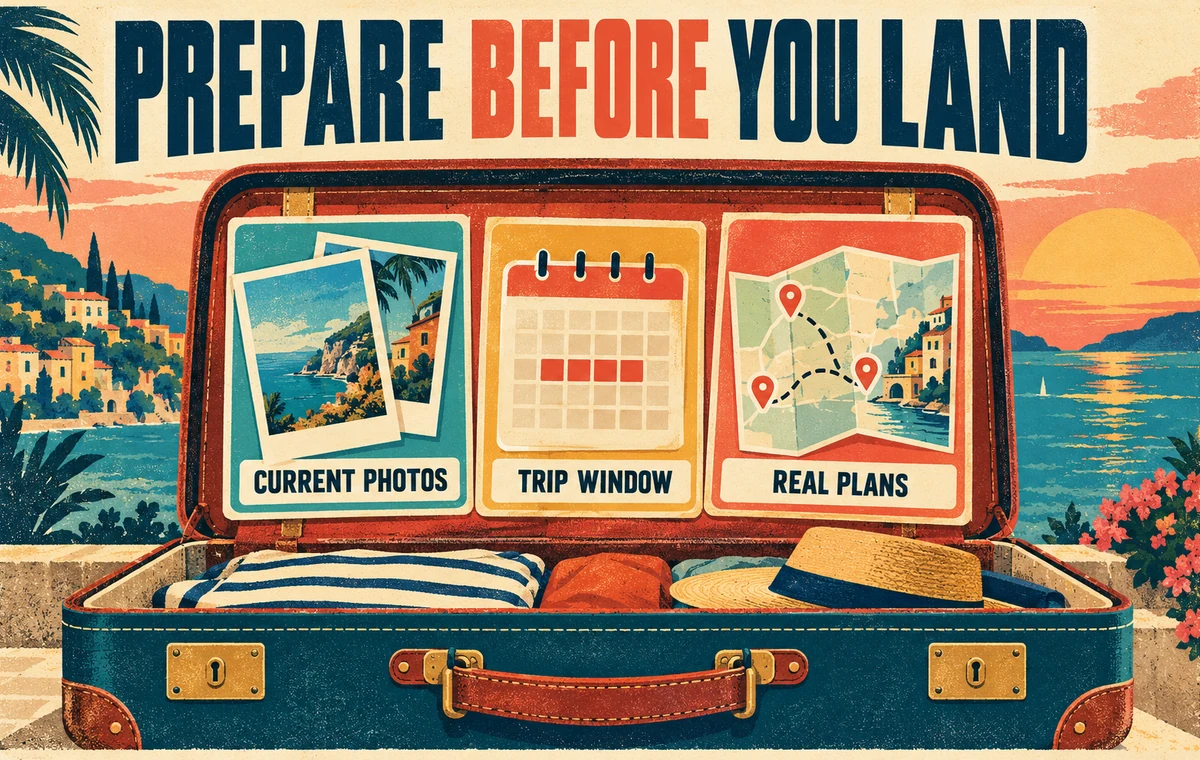
A travel-ready profile should answer three questions quickly:
- When will you be there? Give a useful range such as “In Lisbon November 6–10,” not “Visiting soon.”
- What kind of connection fits? You might be open to coffee, a gallery visit, or meeting someone who can recommend a neighborhood. Avoid making promises about a long-term future you have not considered.
- What can someone respond to? Include a specific interest tied to your actual personality, not a request for a free tour guide.
A short bio addition can handle all three:
In Copenhagen Nov 12–16 for design, long walks, and too many cardamom buns. I have Thursday evening free and would happily trade a favorite record for your best low-key café.
This works because it states the timing, suggests a manageable plan, and offers two conversation hooks. It does not pretend you live there.
Keep the rest of your profile strong. Use recent photos that look like you now, and retain details that make sense beyond the trip. The Bumble profile example guide can help you tighten the whole profile, while the bio guide is useful if your introduction still feels generic.
See Whether Your Photos Support the Trip
Travel Mode can put your profile in a new city, but your photo order still decides the first impression. Check whether your lineup looks current, approachable, and consistent.
Match With a Plan, Not an Itinerary
Once a conversation starts, mention your dates early enough to avoid confusion. Then move toward one simple suggestion.
A practical travel-date proposal has three parts:
- A specific area: somewhere easy for both people to reach.
- A low-friction activity: coffee, one drink, a market, or a short walk in a busy public place.
- An honest time window: a day and range you can actually protect.
For example: “I’ll be near Nørrebro on Thursday and free after 6. Want to get coffee or a drink somewhere around there?”

Do not schedule every hour of the visit around tentative matches. Travel changes, conversations fade, and people cancel. One clear invitation is more attractive than a detailed itinerary sent before basic rapport exists.
Avoid the Tourist-Guide Trap
“Show me around” can sound as if you want someone to provide entertainment and logistics. Curiosity about a city is good; outsourcing the trip is not.
Ask questions that reveal compatibility rather than demanding a list of recommendations:
- “Which neighborhood do you keep returning to?”
- “What is your ideal slow Saturday here?”
- “Would you pick the photo museum or the food market?”
Then contribute something of your own. Share what drew you to the place, a local detail you have already researched, or the sort of date you tend to enjoy. Mutual exchange feels more like dating and less like customer service.
Keep Expectations and Safety Clear
Travel Mode can support casual dates, a possible long-distance connection, or simply meeting someone interesting. It does not define the intention for you. State what is true without turning the bio into a contract.
Meet in a public place, control your own transportation, tell someone where you are going, and avoid sharing accommodation details early. Bumble's own safety guidance should take priority if a conversation or plan makes you uncomfortable.
Make the Seven-Day Window Count
A focused profile makes it easier for the right person to understand your timing and start a useful conversation before you arrive.
Frequently Asked Questions
How long does Bumble Travel Mode last?
Bumble says a selected virtual location remains active for seven days. You can change the location or turn Travel Mode off during that period.
Can people tell that I am using Travel Mode?
Yes. Bumble displays a Travel Mode banner on your profile, so be direct about why and when you are visiting.
Do I need Bumble Premium?
Yes. Bumble's current help article says Travel Mode is available to Premium and Premium+ members through the mobile app.
When should I activate it before a trip?
There is no single perfect lead time. For many short trips, several days before arrival gives you time to match and talk while keeping the plan immediate. Match the timing to the feature's seven-day window and your actual availability.
Should I change my whole profile for one city?
No. Keep the core profile authentic and add a concise trip note. A temporary location reference should clarify your visit, not replace the interests and values that matter after the trip.