 Profile Photos
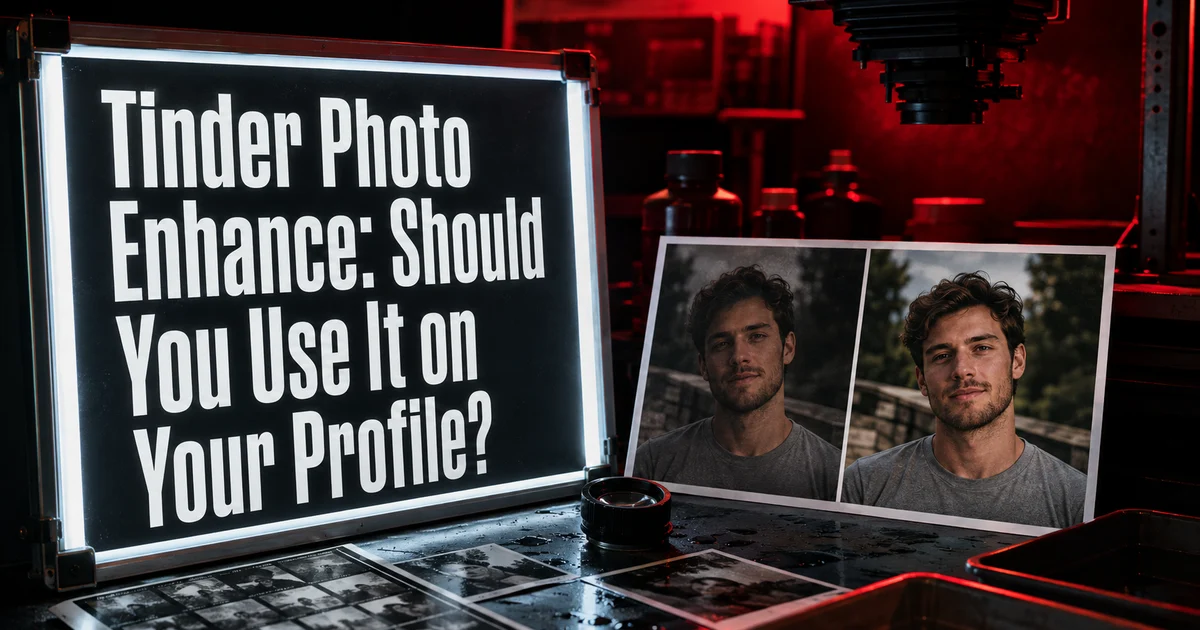
Tinder Photo Enhance: Should You Use It on Your Profile?
Learn how Tinder Photo Enhance changes brightness, sharpness, and clarity, when the edit helps, and when your profile needs a stronger original photo.
In this article9 sections
- What Photo Enhance Changes—and What It Does Not
- How to Access and Review Photo Enhance
- The Five-Point Before-and-After Check
- When You Should Keep the Enhanced Version
- When You Should Use a Different Photo Instead
- Do Not Confuse Enhancement With Authenticity
- A Simple Test Plan
- Frequently Asked Questions
- References
A dating photo can be good in substance and weak in execution. Maybe your expression feels natural, the setting says something useful about your life, and the framing is flattering—but the image is dim, slightly soft, or flat.
That is the narrow problem Tinder Photo Enhance is designed to address. It can improve technical presentation. It cannot turn the wrong photo into the right one.
According to Tinder's official Photo Enhance guide, the feature can sharpen blurry images, adjust brightness and exposure, and improve clarity. Tinder says it is available on Android and iOS in select markets and is designed to preserve how you actually look.
The most useful way to evaluate it is not “Does the edited version look better?” Ask: “Does it make an already useful photo easier to read without making it feel processed?”
What Photo Enhance Changes—and What It Does Not
Photo Enhance focuses on technical characteristics. Tinder says it is not designed to add or remove people, objects, or backgrounds, apply cosmetic effects, or alter facial features or skin-tone appearance.
That distinction matters because dating photos have two separate layers:
| Layer | Examples | Can Photo Enhance help? |
|---|---|---|
| Technical quality | brightness, exposure, sharpness, clarity | Sometimes |
| Profile value | expression, body language, setting, story, variety | No |
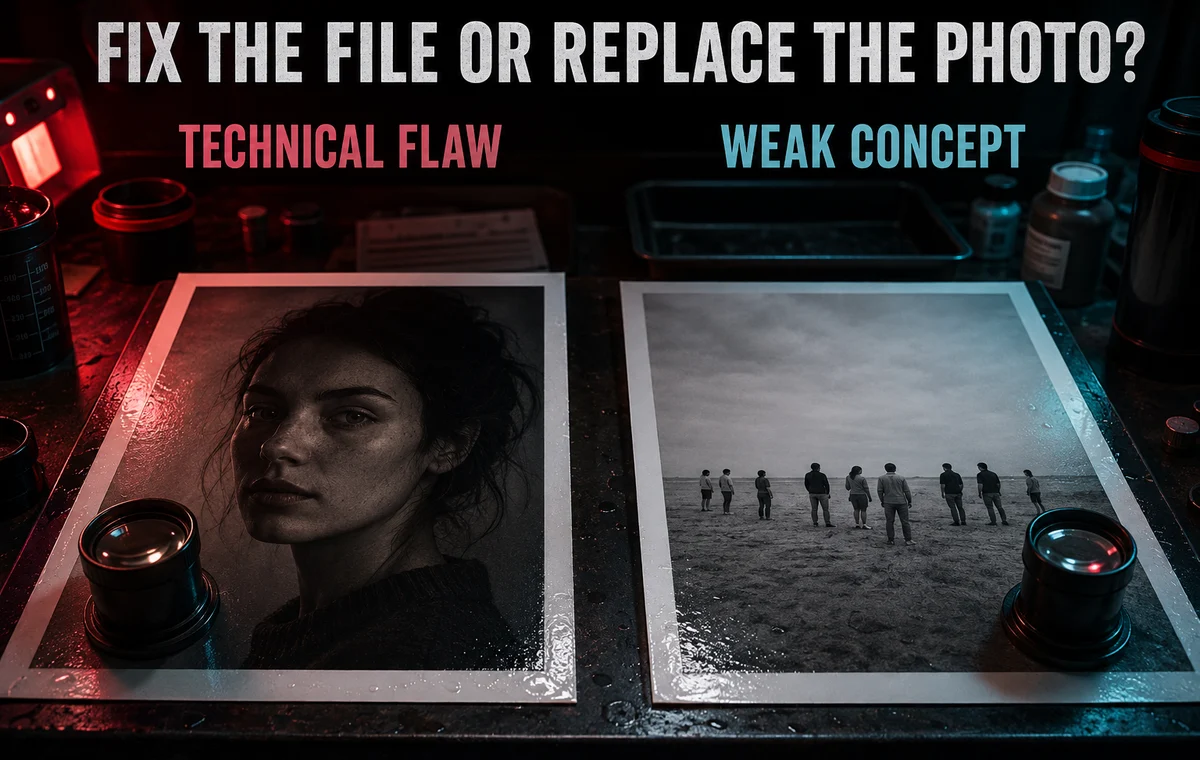
If the photo is a warm, recognizable portrait hidden under poor exposure, a light technical correction may help. If it is an awkward group crop, a bathroom mirror shot, or the fifth nearly identical selfie, enhancement solves the wrong problem.
The broader dating profile photo diagnosis guide can help separate image-quality problems from selection problems.
How to Access and Review Photo Enhance
Tinder's current instructions are simple:
- Open your profile and select Edit Profile.
- If an eligible face photo has a detected technical issue, Tinder may automatically create an enhanced version.
- Use the Enhance control to review the change.
- Compare the original and enhanced versions with the slider.
- Keep the enhancement or return to the original.
You may not see the option if Tinder detects no technical issue or the photo does not feature a face. Availability also varies by market.
Tinder says you can revert later. If you save the enhancement, Tinder retains both the enhanced and original versions so that reversal remains possible.
The Five-Point Before-and-After Check
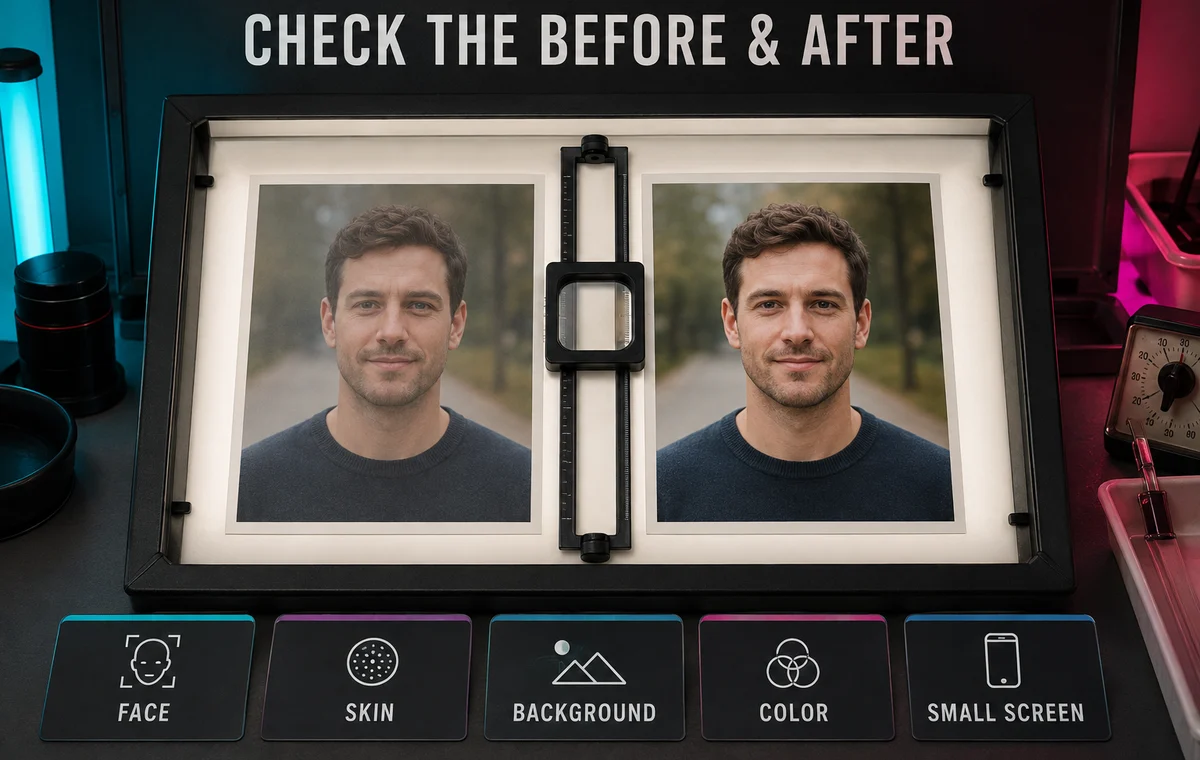
Do not judge the new version only at full-screen size. Dating profiles are usually scanned quickly on a small display. Review both versions using these five checks.
1. Face clarity
Can someone read your eyes and expression faster? A useful enhancement removes visual friction. It should not create crunchy edges around hair, glasses, teeth, or facial hair.
2. Natural skin
Look for strange contrast, oversaturation, or flattened skin texture. “Brighter” is not automatically “more believable.” The best version still looks like the light that could have existed in that scene.
3. Background balance
If the background becomes much brighter or more colorful, it may compete with your face. Technical improvement should strengthen the subject hierarchy, not make every object equally loud.
4. Clothing and color accuracy
Check white shirts, dark jackets, and strong colors. Lost detail in highlights or shadows can make the image feel cheaper even when the face appears clearer.
5. Small-screen impression
Zoom out. Does the image feel clean and immediate at profile-card size? Tiny improvements that only appear under close inspection probably will not change the photo's role.
Check the Photo, Not Just the Pixels
A cleaner image can still be the wrong lead photo. ProfileSharp reviews expression, framing, trust, variety, and profile role so you can tell whether enhancement is enough.
When You Should Keep the Enhanced Version
Keep it when the original photo already earns its place and the update makes the subject easier to see. Good candidates include:
- a strong candid that is slightly underexposed;
- a clear portrait with mild softness;
- an outdoor image with a face lost in shadow;
- a useful activity photo that needs a modest clarity adjustment.
The improvement should be obvious enough to reduce friction but subtle enough that a match would never wonder whether your appearance was modified.
When You Should Use a Different Photo Instead
Replace the original when the weakness is structural:
- your face is too small;
- another person creates ambiguity;
- your expression looks closed or distracted;
- the crop feels accidental;
- the setting reveals nothing useful;
- the image repeats another slot;
- the file is so blurry or compressed that sharpening creates artifacts.
No editing tool can invent the eye contact, posture, moment, or context that was missing when the photo was taken. If you need a replacement, use the guide to taking better dating photos without a photographer.
Do Not Confuse Enhancement With Authenticity
Tinder says Photo Enhance includes an automated check intended to confirm that the result still looks like you. That is helpful, but authenticity is also a human judgment.
Ask whether the version matches how you appear in ordinary light and whether it remains consistent with the rest of your lineup. A technically perfect image can still create distrust if every other photo looks dramatically different in color, age, grooming, or facial detail.
The safest rule is consistency: the enhancement should make the photo clearer, not make you look like a different production of yourself.
A Simple Test Plan
If both versions look credible, test the change rather than guessing.
- Save the current lineup and note which photo you changed.
- Use the enhanced version for a reasonable observation window.
- Keep your location, usage pattern, filters, and other profile elements stable.
- Track useful signals such as qualified likes, matches, and conversations—not just total activity.
- Revert if the image becomes less natural or the profile feels visually inconsistent.
Our dating profile A/B testing guide explains how to avoid changing multiple variables at once.
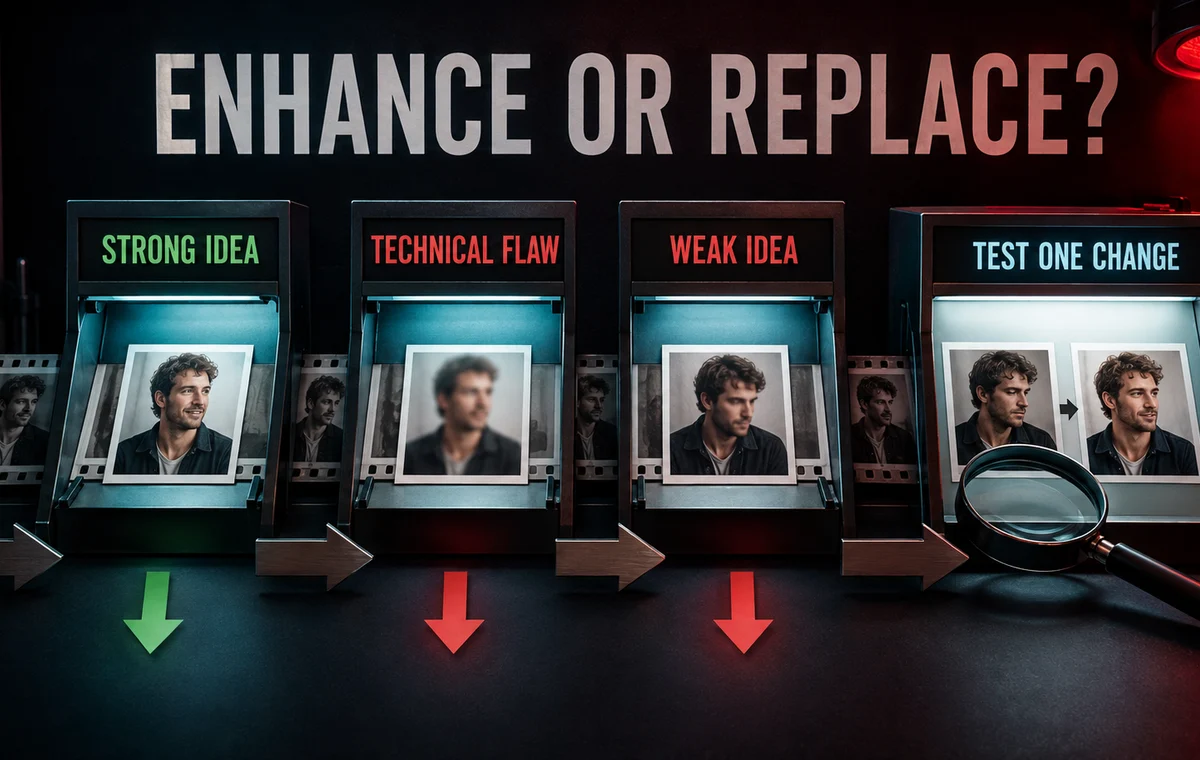
Know Whether to Enhance or Replace
ProfileSharp helps identify whether a photo has a technical flaw, a selection flaw, or the wrong job in your lineup—before you spend time polishing it.
Frequently Asked Questions
Does Tinder Photo Enhance change your face?
Tinder says the tool is designed to improve technical quality without changing facial features or skin-tone appearance. You should still compare the result closely and keep the original if the edit feels unnatural.
Why do I not see Photo Enhance?
It is available only in select markets. Tinder also says suggestions may not appear when it detects no technical issue or when the profile photo does not feature a face.
Can I undo Tinder Photo Enhance?
Yes. Tinder says you can reject a suggested enhancement or revert to the original later.
Will Photo Enhance make a bad Tinder photo good?
Only when “bad” means a modest technical issue. It cannot fix an unhelpful expression, confusing crop, repetitive lineup, weak setting, or poor photo role.
Should I enhance every eligible photo?
No. Compare each image individually. A lineup with inconsistent processing can look less trustworthy than a slightly imperfect but visually coherent set.