 App Guides & Trends
Tinder Your Type: What It Learns From Your Recent Likes
Learn how Tinder Your Type turns recent Likes into a shareable description, what data it considers, and how to use the result without overreading it.
In this article9 sections
Tinder's Your Type feature turns a small sample of your recent Likes into a short description of the people you tend to choose. It can be fun, surprisingly accurate, or completely off. The useful response is not to treat it as a verdict. Treat it as a mirror for your recent behavior.
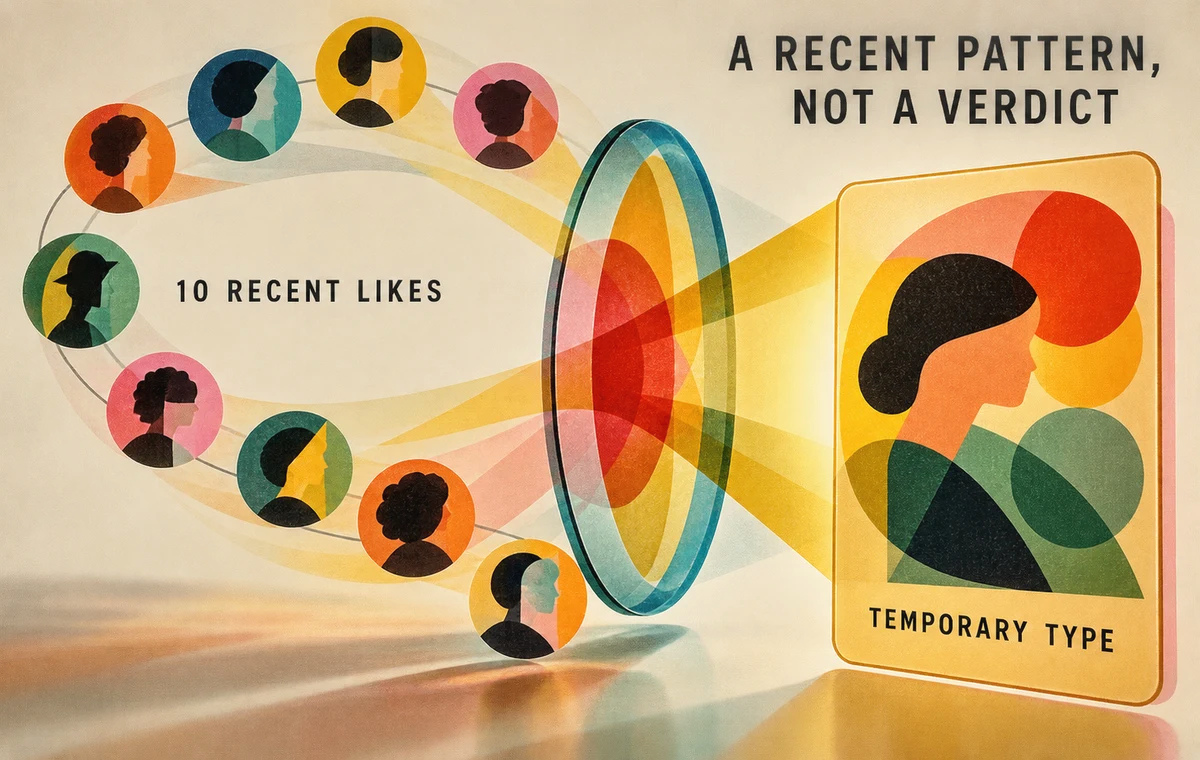
According to Tinder's official Your Type page, the feature is available on Android and iOS in select markets. It generates after 10 Likes and refreshes after each new set of 10.
That sample is intentionally recent. Your card describes a pattern in what you just did, not the full history of who you are attracted to.
How Your Type Works
Tinder says the feature examines repeated patterns across the last 10 profiles you Liked. It may consider relationship goals, interests, zodiac signs, pets, education level, bio text, and photos.
Tinder also says it does not use or reference age, exact location, school, employer, race or ethnicity, religion, politics, or similar sensitive traits in the description.
The card can be customized with several colors, rated with a thumbs up or down, and shared. If you stop sending enough Likes or become inactive, Tinder says the description is deleted.
What the Card Can Tell You
Your Type may reveal a repeated preference you had not named:
- profiles built around outdoor activities;
- people who mention pets or cooking;
- a polished, career-focused presentation;
- playful bios with specific humor;
- profiles signaling a similar relationship goal.
It may also expose a gap between your stated goal and your behavior. Perhaps you say you want a serious relationship, but consistently Like profiles that provide no clues about intention. That does not make the Likes wrong. It means your selection process may be prioritizing a different signal first.
What It Cannot Tell You
Ten Likes are not a personality assessment. They are a small behavioral snapshot shaped by who appeared in your feed, your mood, your location, and the options available at that moment.
The card cannot determine:
- whether those people would be compatible with you;
- whether their profiles are accurate;
- what creates chemistry in person;
- whether you would actually date the same “type” repeatedly;
- what kind of person is likely to Like your profile back.
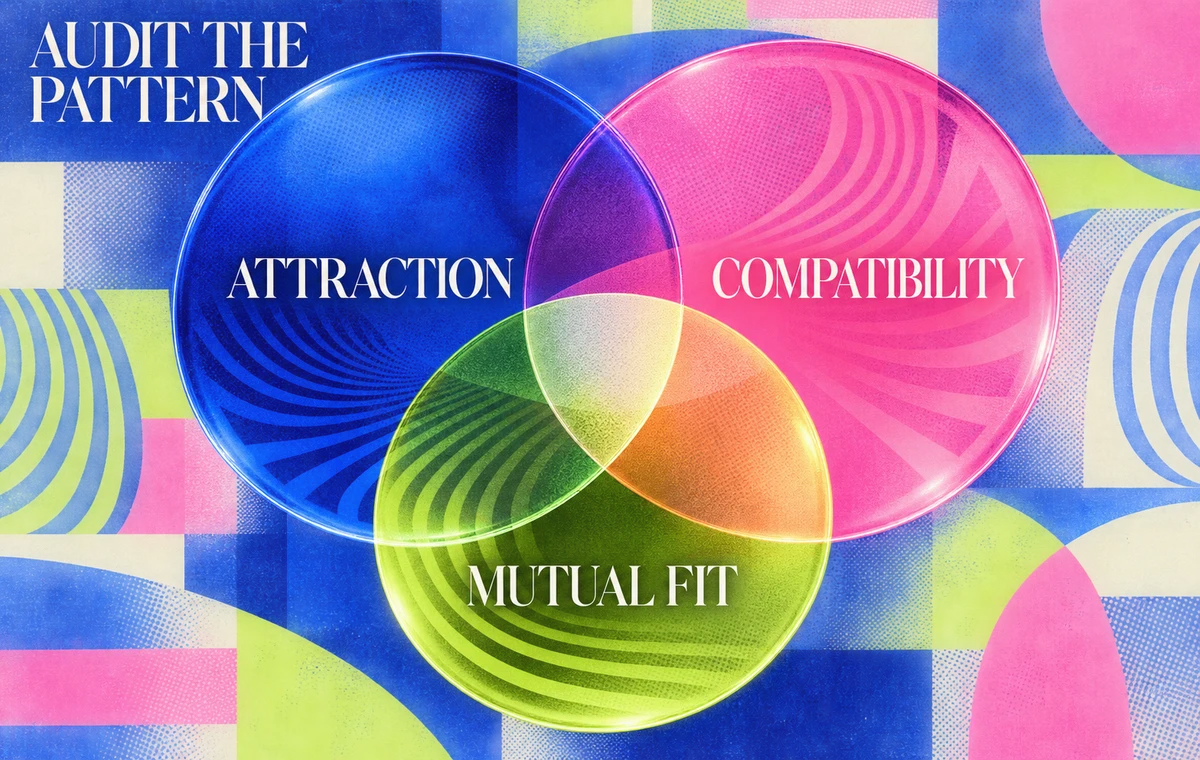
That last distinction matters. Attraction and mutual fit are different questions.
Your Preferences Are Only Half the Match
Your Type summarizes who you Like. ProfileSharp helps examine what your own photos communicate to the people you want to attract.
Use Your Type as a Preference Audit
When the card appears, ask three questions.
1. Is the pattern accurate?
Identify the evidence. If the card says you prefer adventurous people, was that visible in travel photos, hobby photos, bio language, or several of those together?
2. Is the pattern useful?
A description can be accurate but shallow. “Likes dog people” may be true without helping you decide who would fit your daily life.
3. Does the pattern match your goal?
Compare it with the relationship goal and lifestyle you actually want. Use the dating intentions guide if the profile signal and the real goal have drifted apart.
Do Not Swipe to Train the Card
Once people know a feature is watching a pattern, they may start trying to control the result. That creates worse information.
Do not Like someone merely to make Your Type look more flattering or sophisticated. Do not reject a compatible profile because it does not match the current label. The card should describe your behavior; your behavior should not become a performance for the card.
Swipe with normal judgment:
- Read enough of the profile to understand it.
- Look for attraction and at least one plausible compatibility signal.
- Skip when the profile clearly conflicts with a real dealbreaker.
- Avoid turning one aesthetic preference into a complete theory of fit.
Compare the Card With Your Own Profile
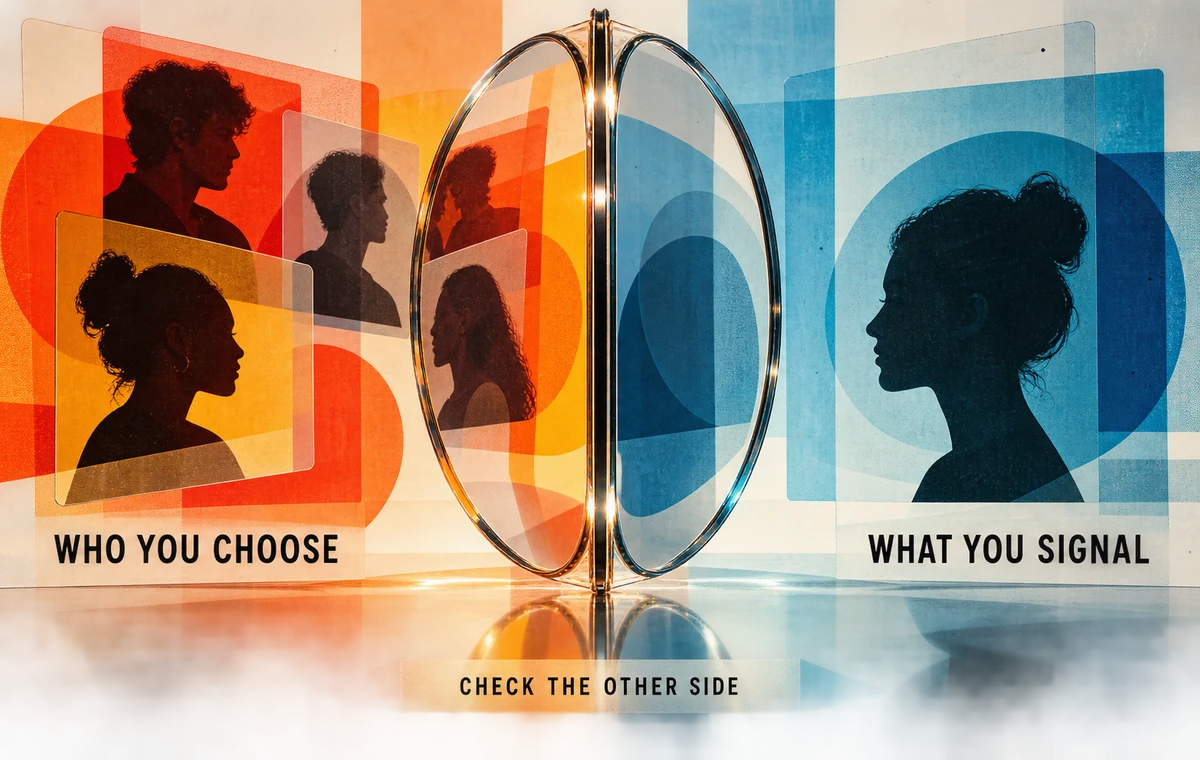
The most practical use is reciprocal. If Your Type says you repeatedly choose profiles that feel creative and social, ask whether your profile would appeal to that same group.
Check four areas:
| What you choose | What your profile should clarify |
|---|---|
| active lifestyle | how activity fits your real week |
| warmth and pets | approachability and care without staging |
| humor | a specific voice, not copied jokes |
| serious intent | consistency between photos, bio, and goals |
You do not need to imitate the people you Like. You do need to make your relevant strengths visible.
When the Result Feels Wrong
An inaccurate card can happen because the sample is small, your feed was unusually narrow, or the system grouped visible details differently than you would.
If it feels wrong:
- use the thumbs-down feedback;
- keep swiping normally and wait for the next refresh;
- review whether your recent Likes were genuinely selective;
- adjust Discovery preferences if the feed itself does not match your goals;
- avoid assuming the label changed how everyone sees your profile.
Your Type is a description tool, not a compatibility score or attractiveness rating.
Check the Other Side of the Preference Loop
If you know who you want but keep attracting a different audience, the mismatch may be in your first photo, lineup, or profile tone.
Frequently Asked Questions
How many Likes does Tinder Your Type use?
Tinder says the first card generates after 10 Likes and refreshes after every subsequent set of 10 Likes.
Is Your Type available everywhere?
No. Tinder says it is available for Android and iOS in select markets.
Does Tinder Your Type use age or race?
Tinder says the card does not use or reference age, exact location, race or ethnicity, religion, politics, and several other sensitive traits.
Can other people see my Your Type card?
The official guide describes it as shareable. You control whether you share it.
Can I change my result?
The description refreshes as you send new sets of Likes. Use the feature normally rather than trying to manufacture a label.