 App Guides & Trends
How to Get Your Tinder Swipe Data: Step-by-Step Guide
Download your Tinder data, find swipe likes, passes, matches, and messages, then use the built-in calculator to turn the export into a baseline.
In this article11 sections
- What Tinder swipe data can and cannot reveal
- How to request your Tinder data
- Open the download safely
- Where to find your Tinder swipe totals
- How to read the three results
- Is your Tinder match yield good or bad?
- Calculate your Tinder swipe rates
- Turn the export into a useful profile experiment
- Privacy mistakes to avoid
- Frequently asked questions
- Official source
Tinder shows you profiles, matches, and conversations. It does not give you a dashboard explaining how often you swipe right, how many of those likes become matches, or whether your behavior has changed over time.
Your account export fills in part of that gap. It can include daily counts for right swipes, passes, matches, messages, and app opens. This guide shows you how to request the file, locate the useful totals, calculate three honest rates, and decide what to change next.
Skip to the Tinder swipe data calculator
What Tinder swipe data can and cannot reveal
The useful part of the export is a behavioral record. Depending on how you have used the app, Tinder says the download may include account and profile information, preferences, media, messaging activity, swipe and match activity, purchases, connected services, and technical usage data.
For a swipe audit, four totals matter most:
| Export field | What it represents | What it does not prove |
|---|---|---|
swipes_likes |
Profiles you liked | How many people liked you |
swipes_passes |
Profiles you passed on | Why you passed |
matches |
Mutual matches recorded in the period | Dates or relationship quality |
messages_sent |
Messages you sent | Replies or unique conversations |
These numbers do not reveal a secret Tinder score. They also do not tell you how many people were shown your profile, so you cannot calculate a true incoming-like rate from them. What you can calculate is a clean personal baseline: how selective you were, how many right swipes became mutual matches, and how much messaging activity followed.
Want a profile diagnosis before the export arrives?
Swipe data describes the result, but it cannot identify which photo, bio line, or ordering decision caused it. ProfileSharp reviews the profile people actually judge.
How to request your Tinder data
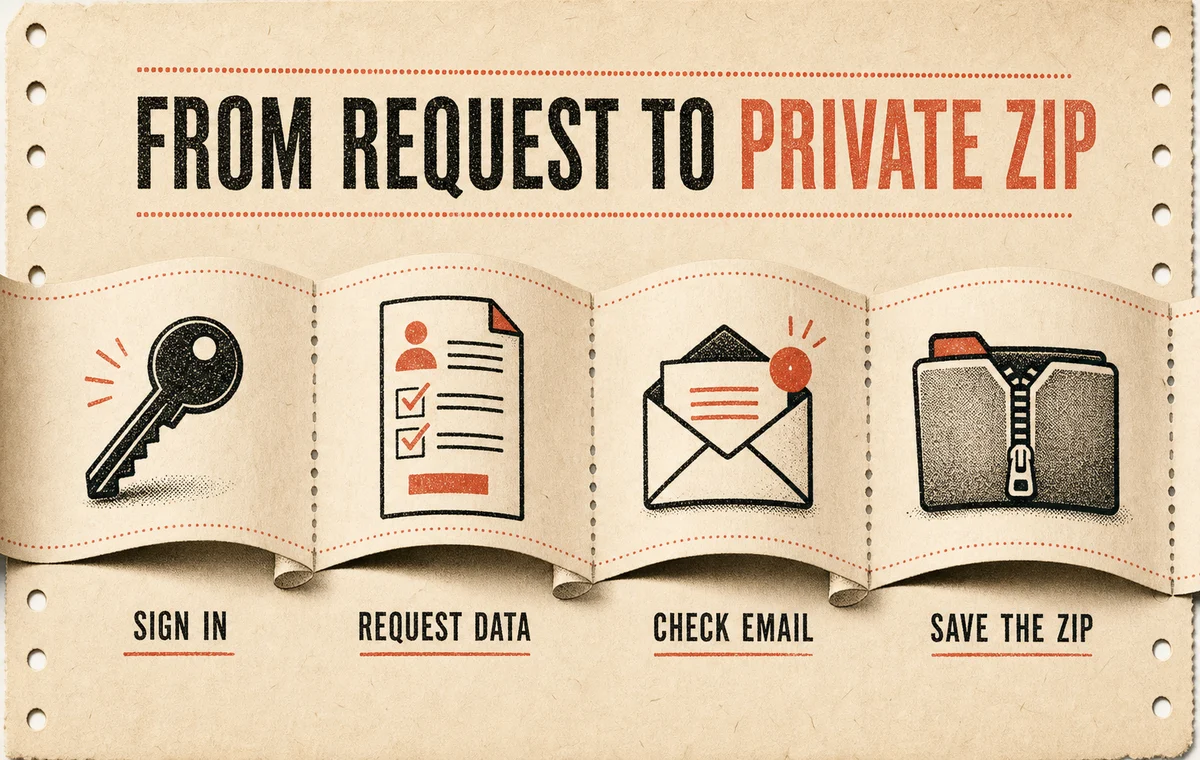
Tinder’s official data-request instructions use its browser-based Manage My Account tool:
- Open the Manage My Account tool and sign in to the Tinder account you want to inspect.
- Choose Download My Information.
- Enter the email address where Tinder should send the download link.
- Submit the request.
- Watch for the email, then download the ZIP before its link expires.
Tinder says the email normally arrives within a few days. Download it promptly when it appears, and do not delete the account while you are waiting: deleted accounts cannot use the Manage My Account tool.
If you cannot access the account
The same official help page provides a fallback privacy-request form. Select the option for another question about your data, explain that you want a copy of your personal data, and use an email Tinder can reach. Tinder may ask you to verify your identity before releasing anything.
Open the download safely
The email link downloads a ZIP archive. Save it somewhere private, extract it, and look for:
index.html, a readable version you can open locally in a browser;- a structured JSON file, often named
data.json; - folders containing profile media or other account material.
The archive may contain messages, contact details, settings, and purchase information. Do not upload the full ZIP to a random “Tinder analyzer.” For the calculator below, you only need four aggregate totals. You can copy those numbers without sharing the archive.
Where to find your Tinder swipe totals
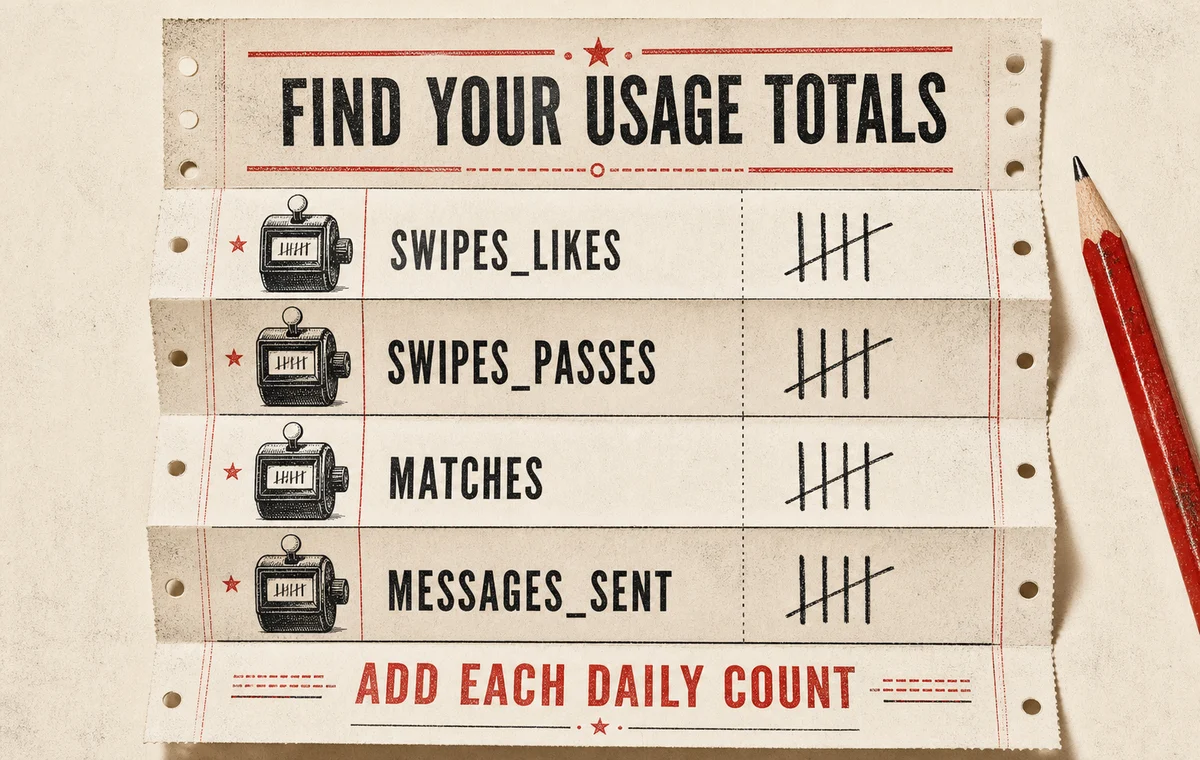
Open the JSON file in a text editor and search for Usage. Common exports place the daily counters below that section. Search for these exact labels:
swipes_likes
swipes_passes
matches
messages_sent
Each label may contain dates with a count for each day. Add the daily values under one label to get its total. Repeat for the other three labels. If the readable index.html already shows totals, use those instead.
A simple accuracy check
Before calculating anything:
- make sure every total covers the same export period;
- do not mix a lifetime match count from the app with a partial JSON period;
- treat a missing field as unavailable, not automatically zero;
- keep the original ZIP so you can recheck the sums.
Tinder notes that download contents vary with account activity. A blank or missing section can mean there is no data for that category, the feature was not used, or that information is not available in the export.
How to read the three results
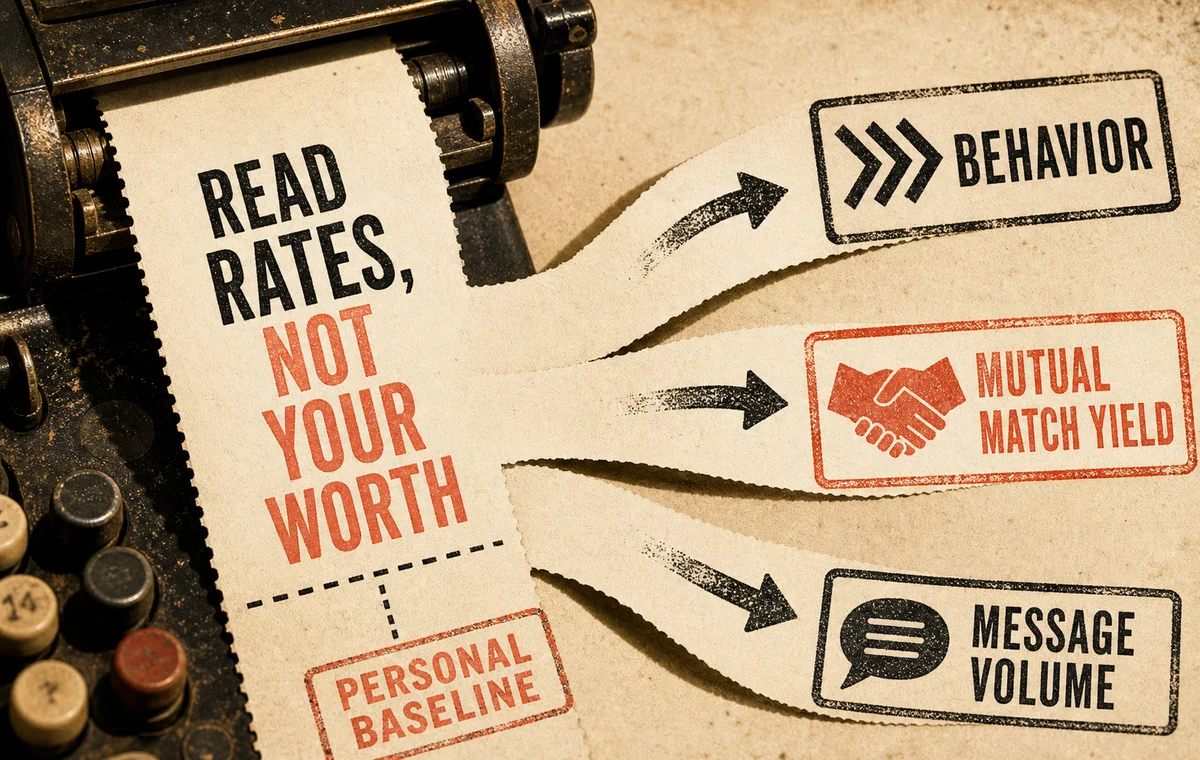
1. Right-swipe share measures your behavior
The formula is:
swipes_likes / (swipes_likes + swipes_passes) × 100
A high or low percentage is not automatically good or bad. It tells you how broadly you liked the profiles Tinder showed you. Use it to notice your own pattern. If you change location, filters, age range, or relationship goals, the number may move even if your profile stays identical.
2. Matches per like sent is a mutual-match yield
The formula is:
matches / swipes_likes × 100
This is the most useful diagnostic in the file, but it still needs context. It combines your selection decisions, the audience Tinder showed you, who saw your profile, and how those people reacted. It is not the same as “the percentage of viewers who liked me,” because the export does not provide a complete impression count.
3. Messages per match measures volume, not success
The formula is:
messages_sent / matches
One long conversation can produce more messages than ten quiet matches. The metric helps distinguish “I match but never engage” from “I am actively messaging,” but it cannot tell whether anyone replied or whether a date happened.
Is your Tinder match yield good or bad?
Use the match-yield result as the score to grade. Right-swipe share describes your behavior, while messages per match describes activity after matching. Neither one is a profile score.
| Matches per right swipe | Calculator label | How to interpret it |
|---|---|---|
| 🔴 Under 1% | Needs review | Fewer than 1 match per 100 likes. Verify the totals, then review the lead photo and profile positioning. |
| 🟠 1% to under 3% | Below guide band | The profile is converting some likes, but there is enough friction to justify a focused profile test. |
| 🟡 3% to under 8% | Middle guide band | A workable result. Preserve what is functioning and test one variable rather than rebuilding everything. |
| 🟢 8% or higher | Strong guide band | Strong mutual-match yield. Messaging and match quality may be more useful priorities than more exposure. |
If the export contains fewer than 100 right swipes, the calculator shows Small sample instead of grading the rate. Five matches from 20 likes looks impressive at 25%, but a few outcomes can move that number dramatically.
These are ProfileSharp diagnostic bands, not official Tinder grades or universal population averages. A large voluntary-export analysis from SwipeStats found a substantial gender gap across 7,079 submitted profiles, which is why one exact “average Tinder match rate” would be misleading. Use the color as an action guide and compare your own like-for-like periods.
Calculate your Tinder swipe rates
Enter the four totals from the export. The calculator runs in your browser and does not need the ZIP file.
Turn the export into a useful profile experiment
One lifetime total is interesting; two comparable periods are actionable. Use this sequence:
- Save the current totals and the last date in the export.
- Review the profile before changing it. Start with the first photo, then photo order, bio clarity, and dating intent.
- Make one major change. Our guide to A/B testing a dating profile explains how to avoid changing everything at once.
- Keep location, age range, distance, and swiping cadence reasonably stable.
- Request another export after enough new activity has accumulated.
- Subtract the old totals from the new totals and compare only the new period.
If your match yield is weak, start with the surface people see first. Review how Tinder’s matching system works, then compare your lead image with the principles in our best main Tinder photo guide.
Stop guessing which part of the profile to change
Your export gives you a baseline. ProfileSharp turns the photos, bio, and profile structure behind that baseline into specific improvement priorities.
Privacy mistakes to avoid
- Do not post screenshots that expose your phone number, email, location history, match identifiers, or message content.
- Do not send the full export to someone who only needs the four totals.
- Do not use a public computer to open the archive.
- Delete unnecessary copies from shared cloud folders and empty the recycle bin when appropriate.
- Keep a private note of the request date and comparison period instead of circulating the raw file.
Frequently asked questions
Can I see who swiped right on me in the export?
The export can include swipe and match activity, but it does not provide a list of everyone who liked or passed on you. It also avoids disclosing information that could affect another person’s privacy or safety.
Does Tinder data show my Elo or desirability score?
No official export field is presented as an Elo or desirability score. The calculator above reports only arithmetic based on your own activity totals.
Why is a field missing from my data?
Tinder says downloads vary depending on how an account was used. Deleted data, unavailable categories, or privacy-protected information may not appear.
Can I use lifetime totals to judge a new photo?
Not reliably. A lifetime average mixes old and new profile versions, locations, filters, and activity levels. Compare the difference between two exports taken before and after one controlled change.
Is the calculator private?
The calculator asks for aggregate numbers, not the ZIP or JSON file. The calculation happens in the page; you do not need to upload your Tinder archive.