 Messaging & Conversations
AI Dating Reply Generator: Sound Natural, Not Robotic
Use an AI dating reply generator without losing your voice. Learn what context to share, how to edit suggestions, and when to send your own message.
In this article7 sections
An AI dating reply generator is most useful when you are staring at a message, understand the general vibe, and still cannot find a response that sounds right. It can give you direction, alternatives, and a way past the blank screen.
The danger is not that every AI suggestion is obviously bad. It is that a polished line can be good in isolation and wrong for your conversation. It may be too flirty for the moment, use words you never say, or push toward a date before enough interest exists.
The goal is not to let a tool text for you. The goal is to use it as a drafting partner while you keep control of the voice, intent, and final send.
A Reply Generator Is Only as Good as the Context
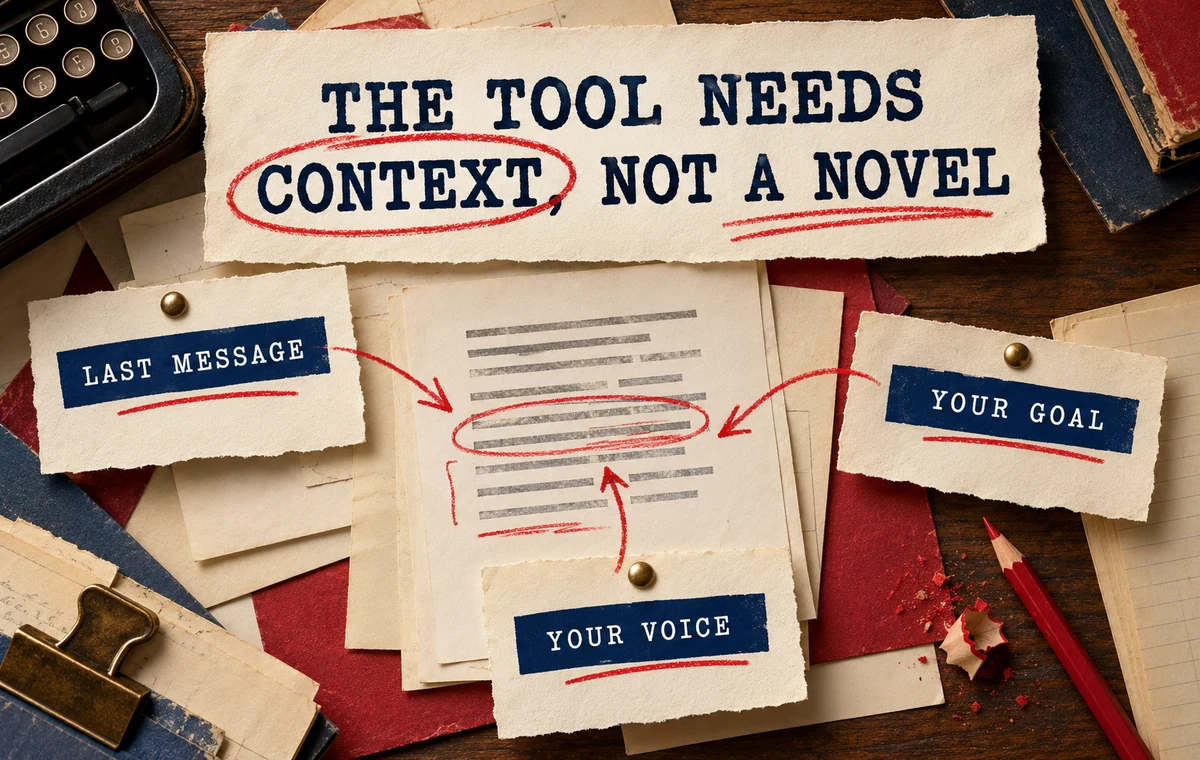
“What should I say?” is a weak prompt because it leaves out the information that makes a reply fit. A useful request includes three things:
- The recent exchange: the last several messages, not only the final line.
- Your goal: continue the joke, answer a question, recover momentum, or suggest a date.
- Your normal voice: direct, playful, reserved, dry, warm, or something else.
You do not need to provide the entire history of the match. Share the smallest useful window that explains what happened and what you want next.
A better request sounds like this:
We have been joking about terrible cooking attempts. She said, “At least I have never burned water.” I want to keep it playful and ask a question. I usually text in short sentences and do not use big compliments.
That prompt gives the tool a lane. It also makes it easier for you to reject a suggestion that leaves the lane.
Ask for Directions, Not One Perfect Line
One supposedly perfect reply creates a false choice: copy it or start over. Several distinct directions are more useful because they expose the tradeoff.
For the same message, you might compare:
| Direction | What it does | When it fits |
|---|---|---|
| Playful | Extends the current joke | The exchange already feels light |
| Curious | Opens a new detail | You need more substance |
| Direct | Moves toward a plan | Interest and timing are clear |
| Low-key | Answers without escalating | The chat needs less pressure |
Wingman 2.0 is designed around this choice. For conversation questions, it can read the context you share and present reply options in flirty, funny, confident, and chill styles. The styles are starting points, not identities you have to perform.
Turn a Suggestion Into Your Message
Bring the conversation and your goal to Wingman 2.0, compare different reply directions, and adapt the one that genuinely sounds like you.
Edit Every Suggestion Before You Send
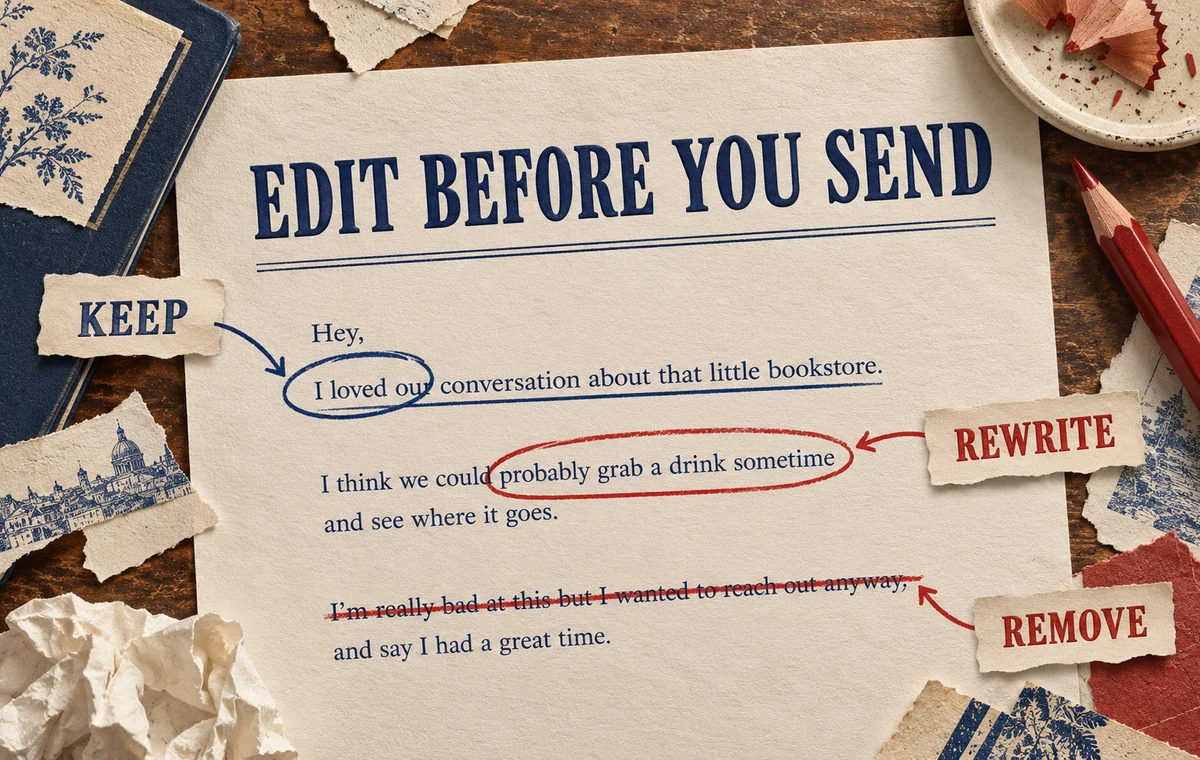
Use a three-pass edit:
Keep the useful idea
Identify why the suggestion works. Maybe it answers her question and adds a playful return question. Keep that structure.
Rewrite the vocabulary
Replace phrases you would never use. Shorten the message if your normal texts are brief. Remove formal transitions, excessive punctuation, and compliments that feel borrowed.
Remove unnecessary pressure
Delete anything that demands a fast answer, assumes attraction, or turns a light exchange into a test. A useful reply gives the other person room to participate.
Read the edited version aloud. If you would feel strange saying it across a table, it probably needs another pass.
What Robotic Dating Messages Sound Like
AI-assisted messages often feel artificial for predictable reasons:
- They are longer and cleaner than everything you sent before.
- They stack a compliment, joke, question, and invitation in one message.
- They use generic confidence language instead of a detail from the chat.
- They sound emotionally certain when the conversation is still ambiguous.
- They contain a clever line but give the other person nothing easy to answer.
The fix is usually subtraction. Keep one idea. Use one detail from the exchange. End with one natural opening when a question is actually useful.
If you want examples of patterns to remove, the guide to dating app messages you should never send covers the common pressure, negativity, and overexplaining traps. For conversation structure beyond a single reply, see how to keep a dating app conversation going.
When to Ignore the Generator
Write the message yourself when the answer is already obvious and low-stakes. “Thursday works for me” does not need optimization.
Do not use a generated reply to imitate feelings you do not have, manufacture a personal story, or continue a conversation you want to leave. If the honest answer is a boundary, a polite decline, or no further contact, clarity matters more than cleverness.
An assistant should reduce overthinking, not persuade you to override your judgment.
A Better Workflow With Wingman 2.0
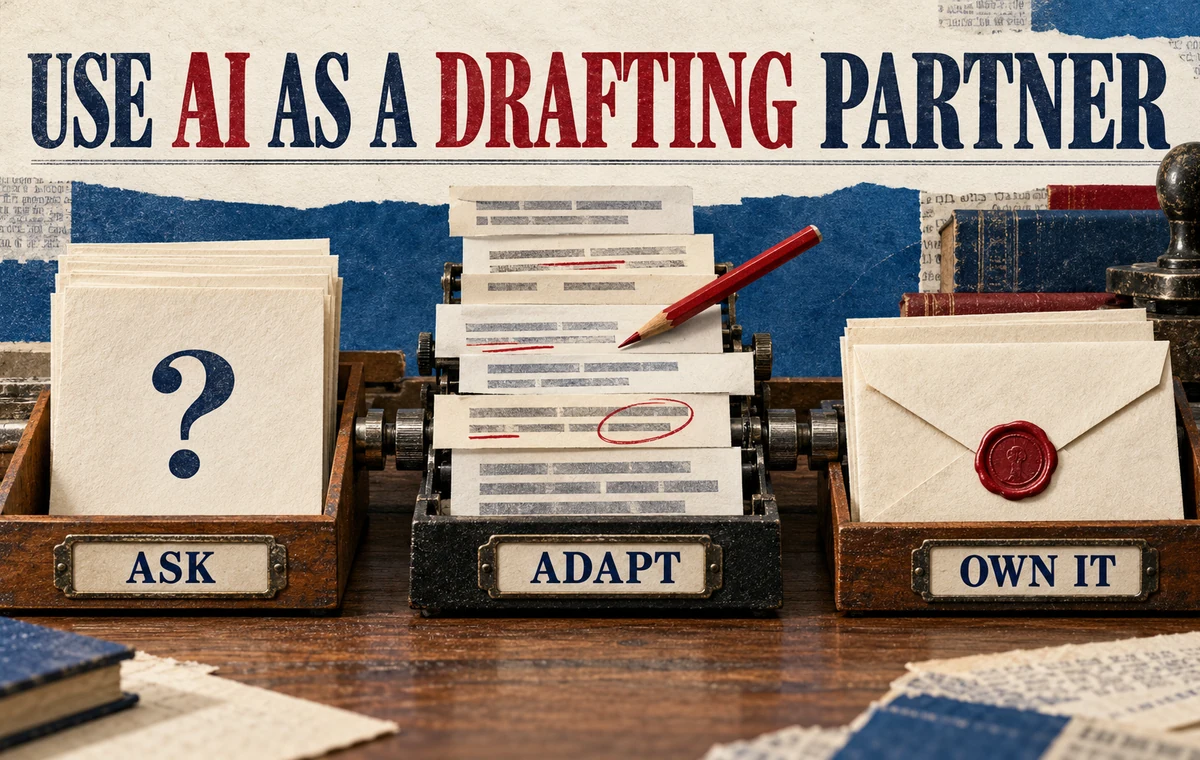
Use this five-step loop:
- Share the relevant messages or a clear summary.
- Explain what outcome you want from the next text.
- Compare more than one tone direction.
- Rewrite the strongest option in your normal vocabulary.
- Send it, then let the conversation breathe.
Wingman 2.0 can also keep separate dating situations in separate chats, so advice can build on the context you choose to share instead of treating every message as an isolated puzzle. That is especially useful when the right response depends on earlier tone, timing, or a plan already discussed.
Get a Second Draft Without Losing Your Voice
Use Wingman 2.0 when you need perspective, then keep the parts that fit and make the final message unmistakably yours.
Frequently Asked Questions
Is using an AI dating reply generator dishonest?
Getting help with wording is not the same as inventing a personality. It becomes misleading when you fabricate experiences, feelings, or intentions, or send a style you cannot sustain in a real conversation.
Should I copy an AI dating reply word for word?
Usually not. Treat the suggestion as a draft. Check the facts, remove language you would not use, and make sure the tone fits the messages that came before it.
What context should I share?
Share the recent exchange, your goal for the next message, and the tone you normally use. Remove names, contact details, and unrelated personal information.
Can AI tell whether someone is interested?
It can help you notice patterns in the text you provide, but it cannot know another person's private thoughts. Treat any interpretation as a hypothesis and look for clear behavior, especially whether they participate and follow through.
When is the best time to use Wingman 2.0?
Use it when you are stuck between several reasonable replies, need help reading the conversation, or want options in different tones. Simple logistical answers rarely need assistance.