 Messaging & Conversations
Dating Chat Screenshot: Read the Context Before Replying
Learn how to read a dating chat screenshot as a full conversation, spot tone and momentum, protect privacy, and choose a calmer next reply.
In this article7 sections
A dating chat screenshot can make one message feel like the entire story. You see a short answer, a delayed reply, or a sentence without punctuation and immediately start deciding what it means.
But a screenshot is a frame. The conversation is a sequence. Tone depends on what came before, whether both people contribute, what plans already exist, and whether the latest message changes an established pattern.
Before you ask a friend or Wingman 2.0 to analyze the screenshot, make sure the visible slice contains enough context to support a useful answer.
A Screenshot Is One Frame, Not a Verdict
Imagine receiving “sounds good” after suggesting Saturday. On its own, the message can look flat. In context, it may follow a clear plan with a time and place, making it a perfectly normal confirmation.
The reverse is also possible. A warm sentence can look encouraging while the larger conversation shows repeated avoidance, no questions, and no willingness to make a plan.
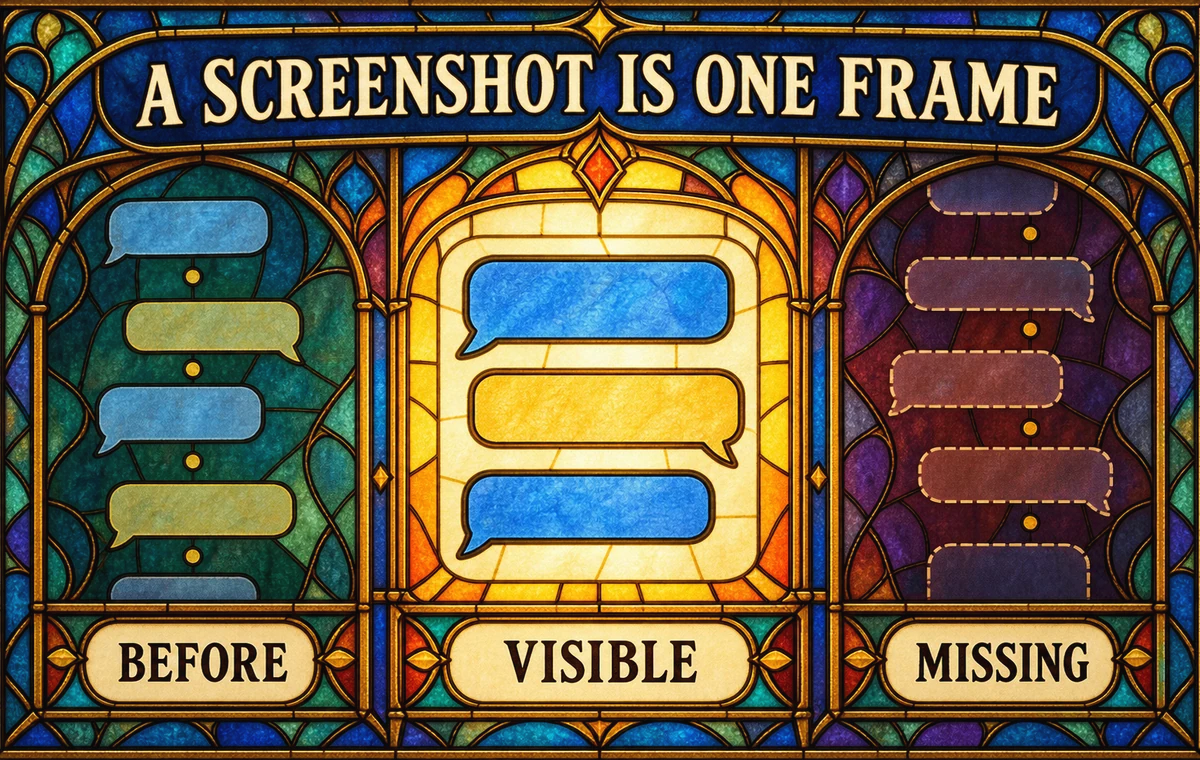
Ask four questions before interpreting any line:
- What message is this person answering?
- Is this tone different from their normal tone?
- Are both people moving the conversation forward?
- Is there a concrete decision or plan underneath the wording?
The answers matter more than a single punctuation mark.
Include the Smallest Complete Window
When sharing a screenshot for advice, include enough messages to show the current topic and how both people are participating. Usually that means several turns from each side, not a single bubble.
Add a short note with anything the image cannot show:
- How long you have been talking.
- Whether you have met already.
- What outcome you want now.
- Whether a plan, boundary, or misunderstanding happened earlier.
- Which side of the screenshot contains your messages.
This note is more useful than a long biography. It prevents an advisor from mistaking your joke for theirs, reading a confirmation as an opener, or recommending a date you already suggested.
Bring the Whole Conversation to Wingman
Upload the relevant chat screenshot, identify your side, and explain what you want help deciding. Wingman 2.0 can use that context to suggest a clearer next move.
Read Patterns Instead of Hunting for Clues
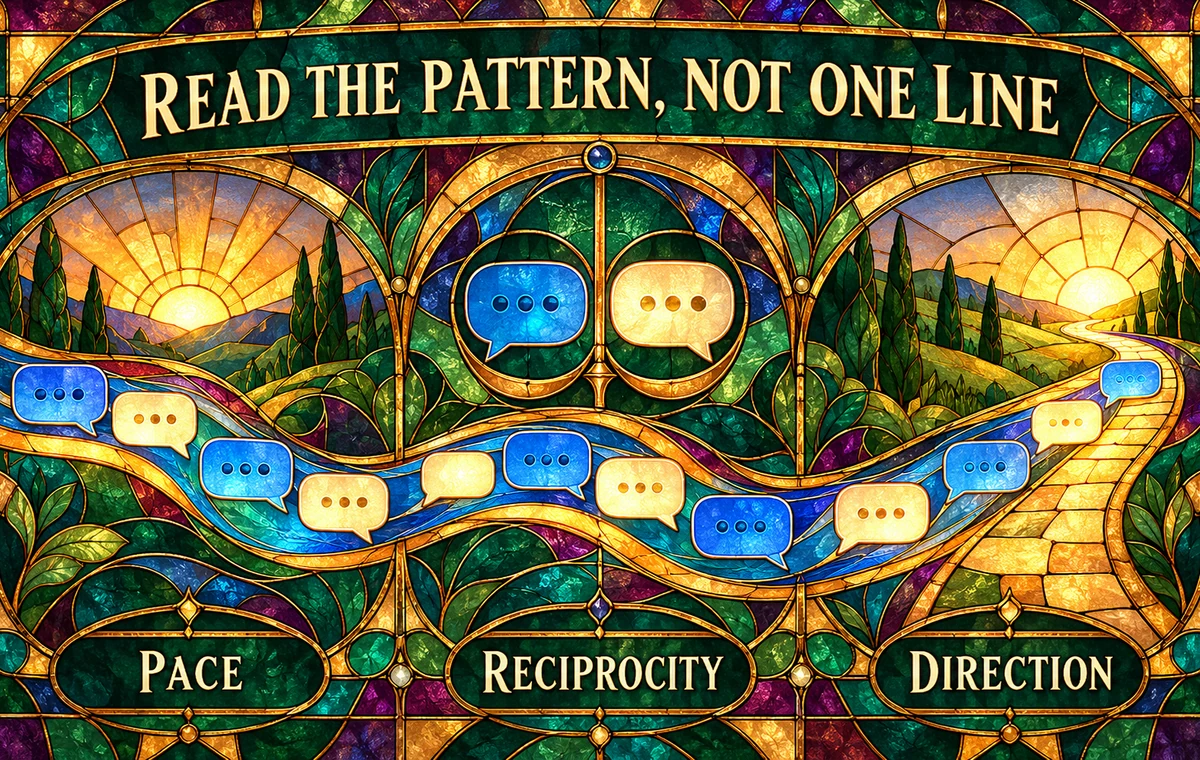
One message rarely proves interest or disinterest. Look for three broader patterns.
Pace
Do not turn response time into a stopwatch. Compare the current rhythm with the established rhythm and the practical circumstances you know. A slower weekday reply means something different from repeated silence whenever a plan becomes specific.
Reciprocity
Notice whether the other person asks questions, adds details, starts topics, or helps make a plan. Reciprocity is not perfect symmetry. It is evidence that both people are contributing.
Direction
Ask where the conversation is going. Is it becoming easier to meet, understand each other, or discuss something real? A lively chat that circles forever can have less direction than a brief exchange that ends with a clear date.
The guide to reading dating app interest signals goes deeper on participation and follow-through. If your concern is silence after a viewed message, what to do when left on read covers that narrower decision.
Protect Privacy Before You Upload or Share
A useful screenshot does not need to expose every personal detail. Before sharing it with a friend, advisor, or tool:
- Crop names, profile photos, phone numbers, and social handles when they are not needed.
- Remove location details, workplaces, addresses, and travel plans that identify someone.
- Avoid including intimate images or unrelated private disclosures.
- Summarize sensitive context in your own words when the exact text is unnecessary.
- Share only the portion required for the question.
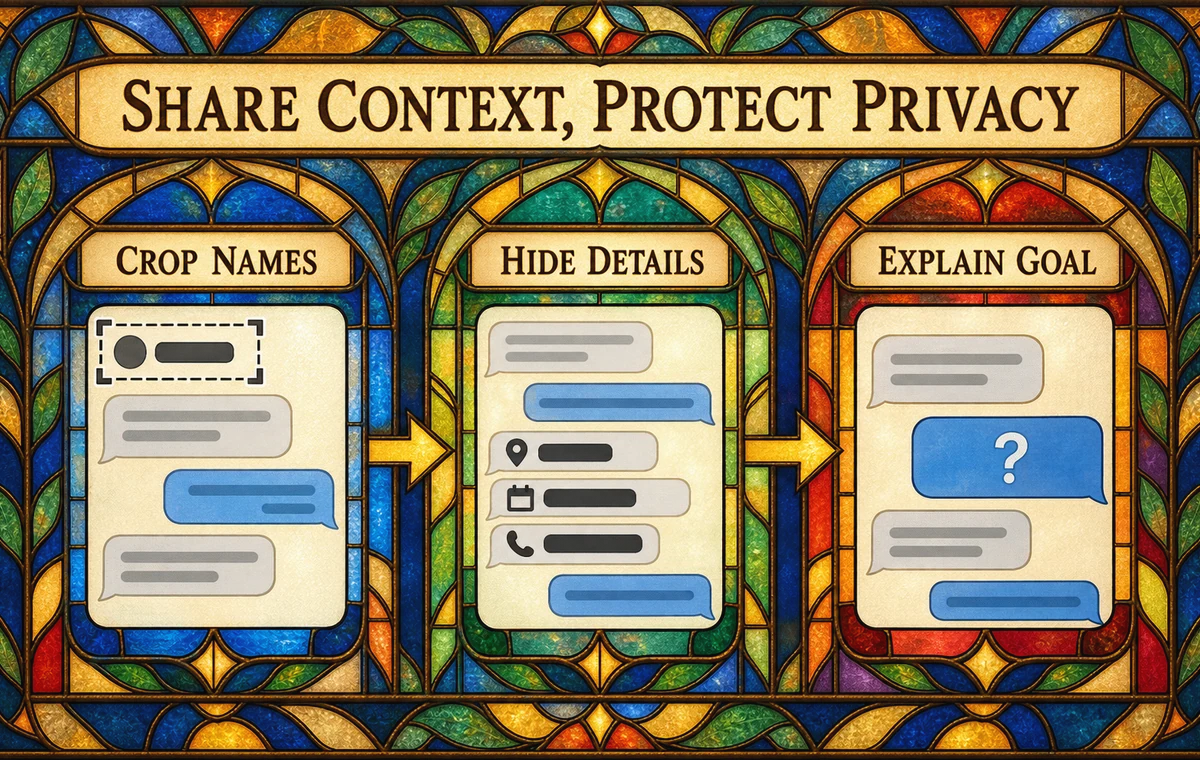
Privacy and context are not opposites. You can remove identifying details while preserving the order, tone, and decision point that matter.
For a broader audit of what your own profile reveals, use the dating app privacy checklist.
How Wingman 2.0 Uses the Context You Provide
Wingman 2.0 lets you attach a screenshot, identify which side contains your messages, and add background about the situation. It can then help with the immediate question: how the exchange reads, what action may fit, and how different reply styles could sound.
That analysis is still advice, not access to another person's mind. Use it to slow down your interpretation and compare options. Do not treat an interest label, conversation score, or suggested action as proof.
The strongest workflow is collaborative:
- You choose the relevant context.
- Wingman identifies patterns and possible directions.
- You check the interpretation against facts the screenshot cannot show.
- You choose or rewrite the next message.
Decide What You Actually Need to Know
Many screenshot questions sound like “What does this mean?” but hide a more practical decision:
- Should I answer now or give the conversation space?
- Is there enough reciprocity to suggest a date?
- Did my last message create pressure?
- Should I clarify a misunderstanding?
- Is this pattern making me uncomfortable?
Ask the practical question. It leads to a usable next step and reduces the temptation to decode every word.
If the pattern involves disrespect, pressure, threats, or ignored boundaries, the goal is not a clever reply. Prioritize safety, use the app's reporting and blocking tools when appropriate, and seek support from someone you trust.
Get a Calmer Second Opinion
When one screenshot has you rewriting the story in your head, give Wingman 2.0 the relevant context and compare grounded next steps before you reply.
Frequently Asked Questions
How many messages should a dating chat screenshot include?
Include enough turns to show the topic, the message being answered, and how both people are contributing. Several messages from each side are usually more useful than one isolated bubble.
Can a screenshot reveal whether someone likes me?
It can show patterns such as reciprocity, warmth, and follow-through, but it cannot prove private feelings. Behavior over time and willingness to make plans are more informative than one line.
What should I blur before sharing a chat screenshot?
Remove names, faces, phone numbers, usernames, addresses, workplaces, and unrelated sensitive information unless a detail is genuinely necessary for the advice.
Can Wingman 2.0 analyze a screenshot?
You can attach a screenshot and add context about the conversation. Wingman 2.0 can help organize what is happening and suggest reply directions, while you remain responsible for the interpretation and final message.
What if the screenshot shows a safety concern?
Do not optimize a reply to threatening, coercive, or abusive behavior. Preserve evidence safely, use reporting or blocking controls, tell someone you trust, and contact local emergency services if there is immediate danger.