 Profile Photos
Bumble Profile Videos: How to Choose a Clip That Works
Choose a Bumble profile video that looks clear, feels natural, adds personality beyond your photos, and gives potential matches a reason to reply.
In this article9 sections
A profile video can answer questions that a still image leaves open. How do you move? What does your smile look like before it becomes a pose? Do you seem comfortable in the activity your bio mentions?
It can also introduce blur, noise, awkward performance, or an outdated version of you. The right question is not “Should every Bumble profile have a video?” It is “Does this clip make my profile clearer and more believable?”
Bumble's official photo and video guide says members can upload up to six photos and videos. Bumble recommends clear, well-lit media that shows different parts of your life and notes that quality matters more than filling every slot.
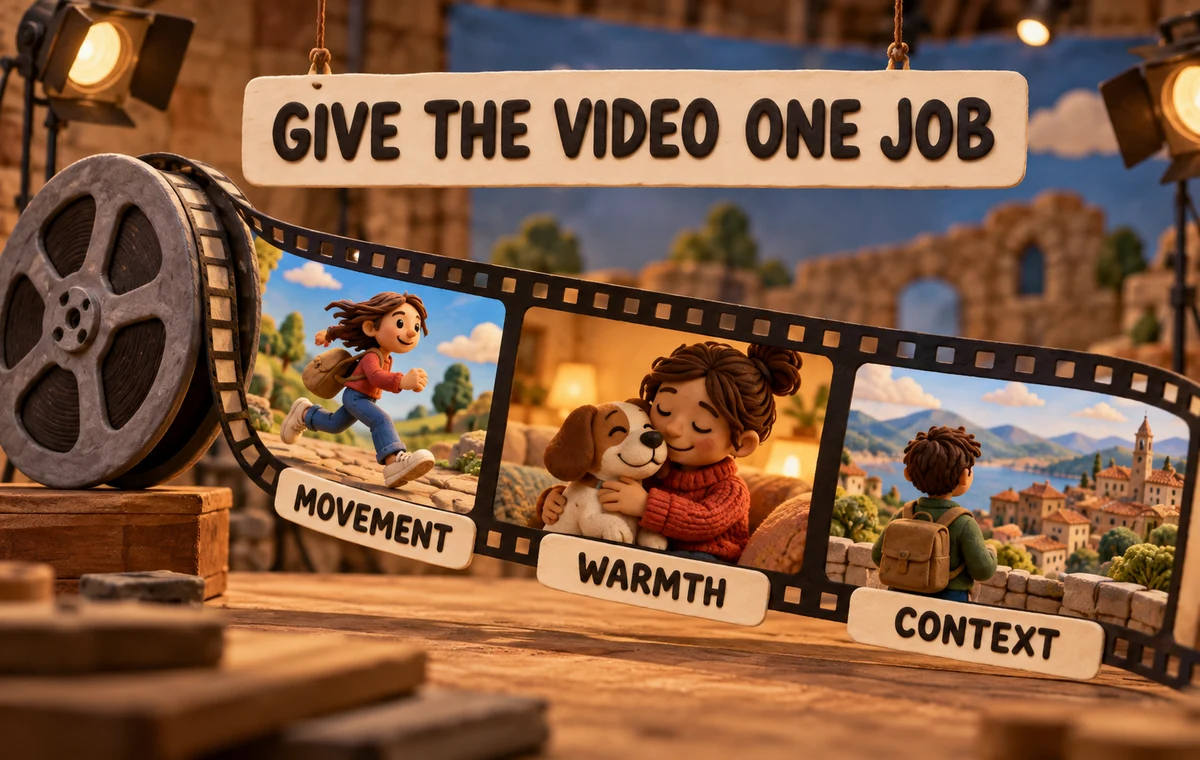
Give the Video One Clear Job
Do not use video merely because the format moves. Assign it a job that still photos cannot do as well.
A useful clip can show:
- the rhythm of a hobby, such as cooking, dancing, or playing music;
- a genuine laugh or expressive reaction;
- a pet interaction that feels spontaneous;
- a short social moment where you remain easy to identify;
- calm, warm presence in a simple setting.
If the clip only shows you standing still while someone pans the camera, a strong photo may be better.
Choose a Moment, Not a Montage
Fast cuts may look polished on social media, but they ask a dating-app viewer to process too much. One continuous moment is easier to understand and feels more trustworthy.
Good examples:
- turning a pancake and laughing when it lands badly;
- throwing a ball for your dog in a bright park;
- a short clip from a climbing wall where your face is visible before the action;
- playing a recognizable phrase on an instrument;
- raising a coffee cup during a relaxed conversation with friends.
The clip should still make sense without a long caption.
Technical Quality Has a Minimum Bar
Bumble recommends bright, clear uploads and says to avoid heavy filters or excessive editing. In practice, check:
- Light: your face should not disappear into backlight.
- Stability: small natural movement is fine; constant shaking is distracting.
- Focus: the viewer should immediately know where to look.
- Sound: if speech matters, it must be understandable.
- Crop: make sure your face and action survive the app's display.
- Recency: the clip should match how you look now.
Technical polish cannot fix a clip with no point, but poor execution can hide a good moment.
Check What the Whole Lineup Communicates
A video can add warmth while the rest of the profile still feels repetitive or unclear. ProfileSharp reviews the full photo sequence, not one asset in isolation.
Make Yourself Easy to Identify
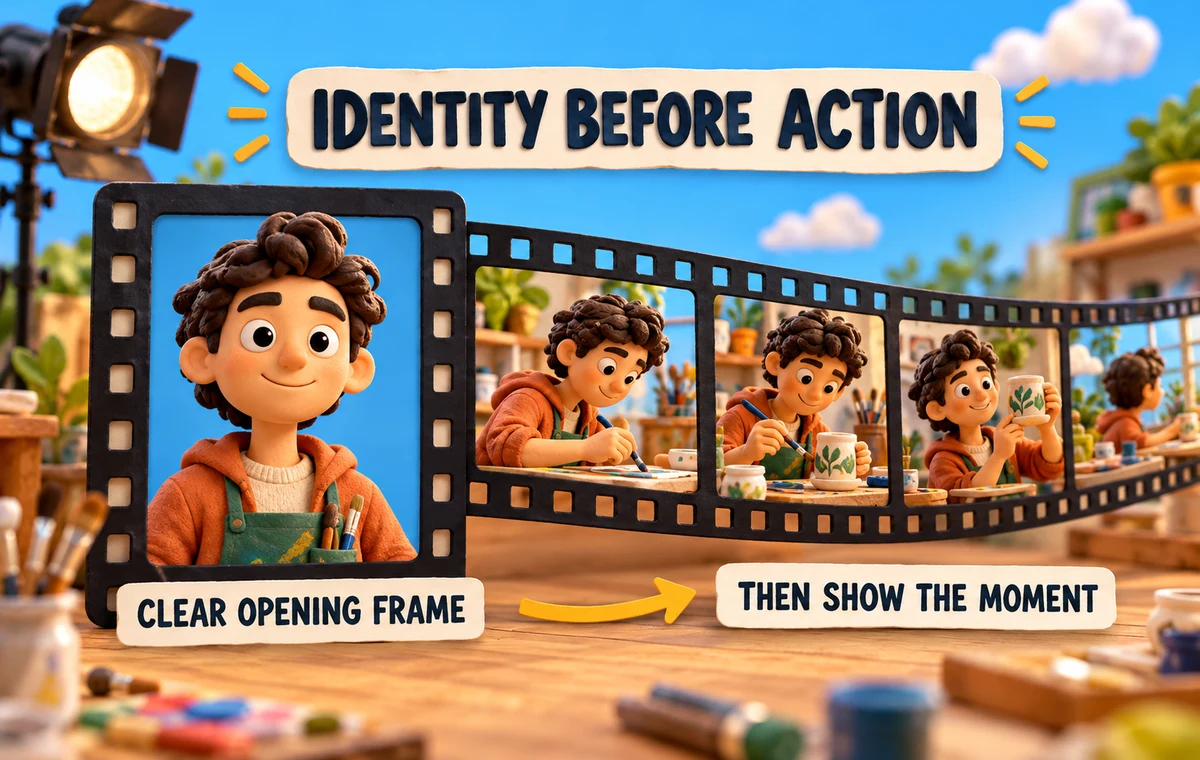
Video adds movement, which can make identification harder. Avoid opening with a crowd or filming from far away. Give the viewer a clear view of your face early, then show the action.
If other people appear:
- keep yourself visually central;
- avoid clips where the viewer must guess who owns the profile;
- get permission before posting identifiable friends;
- do not use footage that embarrasses or exposes someone else.
The same logic applies to group photos: social proof only helps when recognition remains easy. See the group photo guide for the broader framework.
Match the Clip to Your Profile Story
Your video should reinforce one of the themes already present without duplicating another slot.
If your profile says:
- active and outdoorsy: show movement in a real setting, not another posed summit image;
- creative: show a small part of the process, not only a finished object;
- social: show a readable moment, not a loud room full of strangers;
- calm and intentional: a quiet clip can work better than manufactured energy.
Authenticity is not about looking casual at all costs. It is about the clip matching the person someone would meet.
Where the Video Belongs
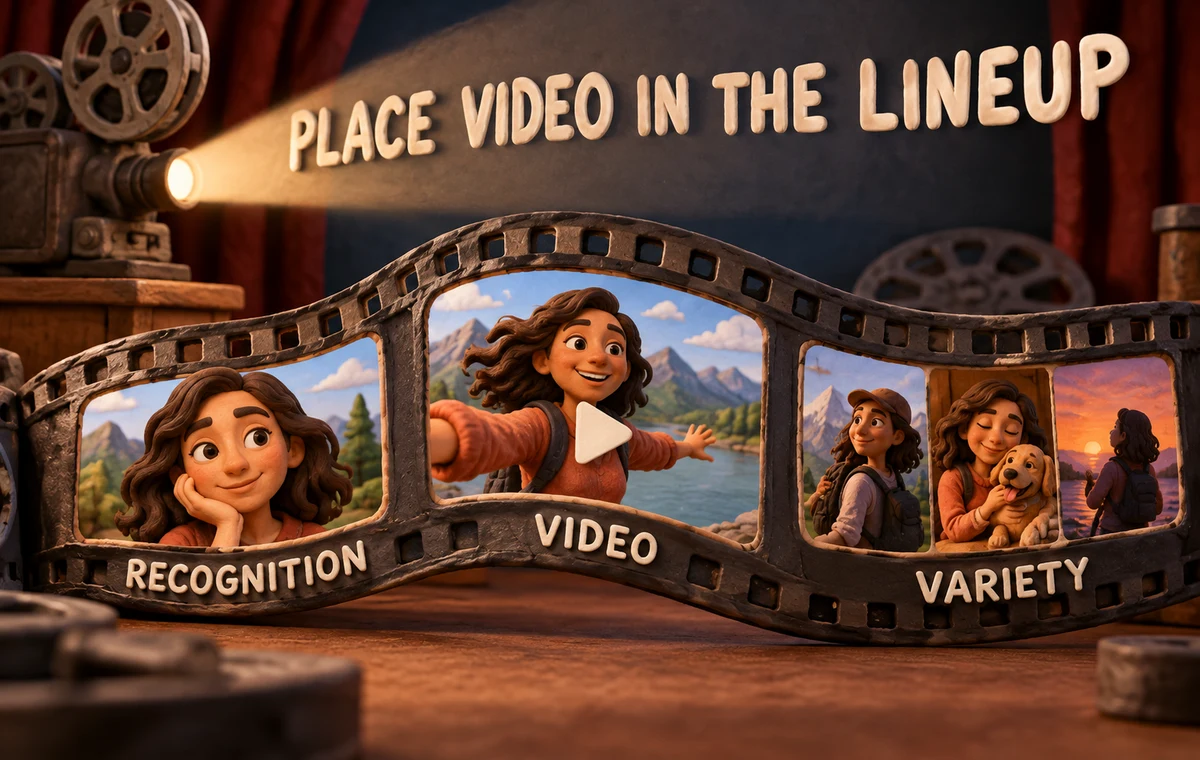
Lead with a still photo unless the video is exceptionally clear and the app presentation makes your face instantly recognizable. A still image gives the fastest first impression.
Use the video later to deepen that impression:
- clear first photo;
- full-body or environmental image;
- video that adds movement or voice;
- social or activity context;
- another dimension of lifestyle;
- flexible closing slot.
This is a framework, not a fixed formula. Bumble's Best Photo feature may reorder the first image, so review how the sequence feels with that setting on and off.
Clips That Usually Hurt
Remove or replace a clip when it is:
- dark, blurry, or strongly filtered;
- filmed years ago and inconsistent with current photos;
- mostly scenery with you barely visible;
- built around alcohol or risky behavior without context;
- a recycled social clip full of text, stickers, or usernames;
- a performance that does not match your normal personality;
- dependent on audio that most viewers may not hear.
If the best frame from the video would already make a stronger photo, consider using that photo instead.
Decide Whether the Video Earns Its Slot
Profile space is limited. ProfileSharp can help identify whether a clip adds a missing signal or repeats what stronger photos already show.
Frequently Asked Questions
How many photos and videos can Bumble profiles have?
Bumble's support guide says members can upload up to six photos and videos in total.
Should my video be the first item?
Usually a clear still photo is easier for immediate recognition. Use the video later unless its opening frame is exceptionally strong.
Can I upload a video with friends?
Yes, but you should be easy to identify and have permission from recognizable people in the clip.
Should the video include sound?
Sound can add personality, but the visual should still make sense when muted. If speech is important, record it clearly.
Is a profile video always better than another photo?
No. Use the medium that communicates the idea most clearly. A weak video wastes a slot that a strong photo could use.