 Profile Photos
Hinge Top Photo: Should You Let It Choose Your Lead?
Learn how Hinge Top Photo predicts your lead image, when automatic ordering helps, and how to judge whether the selected photo fits your dating goals.
In this article9 sections
Your first Hinge photo has two jobs that are easy to confuse. It must earn enough attention for someone to keep reading, and it must introduce the version of you that the rest of the profile can honestly support.
Hinge Top Photo helps with the first job. You still have to judge the second.
In its official Top Photo guide, Hinge says the optional feature uses a machine-learning model to predict which uploaded profile photo is most likely to receive a Like and places that image first. Hinge also says it will continue testing and reordering your photos while the setting is active.
That makes Top Photo a useful signal—not an unquestionable creative director.
What Hinge Top Photo Actually Optimizes
Top Photo works only with images already on your profile. It does not search your camera roll, repair weak files, or invent a new photo. It chooses a lead from the candidates you supplied.
Hinge describes the target as likelihood of receiving a Like. That is valuable, but a Like is not the only outcome that matters.
| Top Photo can help estimate | Top Photo cannot decide for you |
|---|---|
| Which uploaded image may attract more Likes | Whether the image attracts the people you want |
| Which option works as an immediate lead | Whether it represents your current life accurately |
| How the candidates compare inside Hinge | Whether the full six-slot story feels coherent |
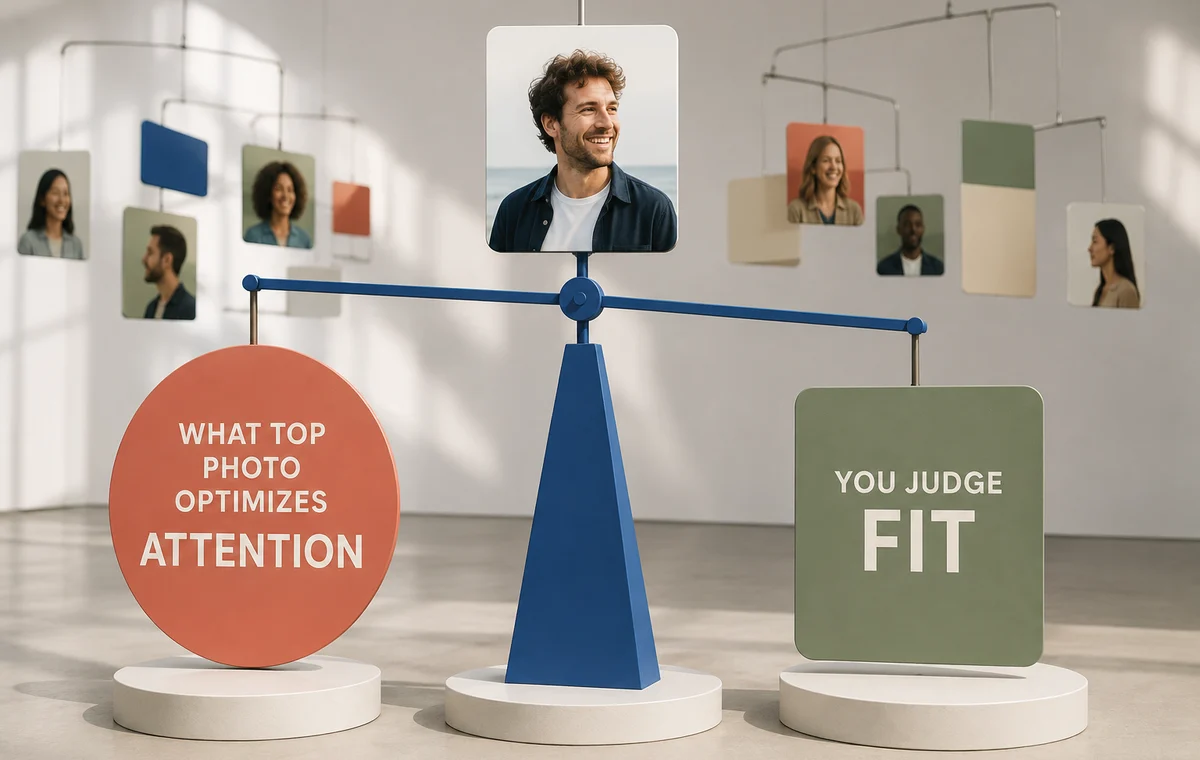
This is why the feature works best after you have already removed obviously weak candidates. If three of six photos are poor, automatic ordering may merely identify the least costly place for one of them.
How to Turn Top Photo On or Off
Hinge's current steps are:
- Open your profile from the navigation bar.
- Select the pencil icon beside your profile photo.
- Turn the Top Photo toggle on.
- On iOS, tap Done to save; Android saves the toggle change automatically.
You can opt out by switching it off. Hinge notes that the public order and Match-list order of your photos or videos may differ from what you see in Edit Profile and View Profile while Top Photo is active.
Hinge also says testing and reordering can continue when your account is paused. If you are pausing specifically to freeze a controlled profile experiment, turn Top Photo off as well.
The Three Jobs of a Strong First Photo
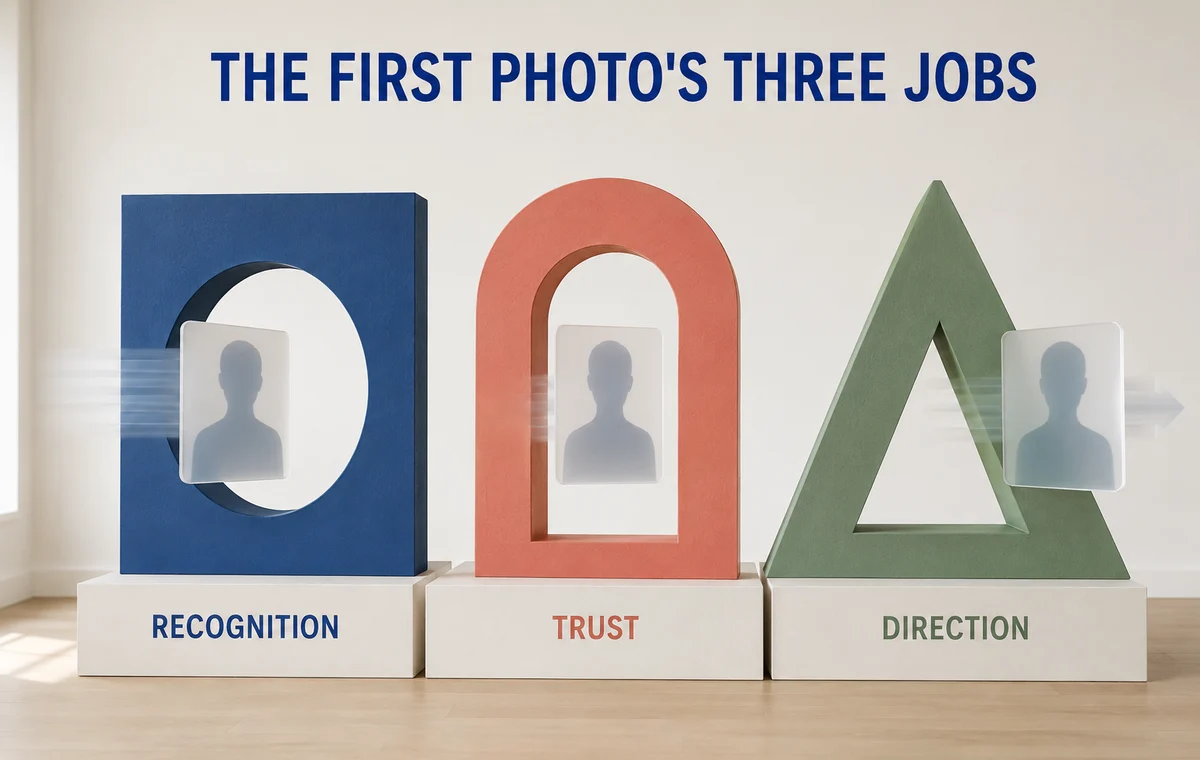
The photo most likely to earn a Like is often a sensible first image, but test it against three human criteria.
Recognition
Your face should be easy to find and identify. Avoid sunglasses, distant framing, heavy shadow, group ambiguity, and crops that hide important facial information.
Trust
The image should look current and consistent with the rest of your profile. Extreme filters, unusually formal production, or a large age and grooming gap can attract attention while weakening confidence.
Direction
The first image should set up the rest of the profile. A warm portrait can lead into humor and lifestyle. An activity image may create energy but work better later if your face is harder to read.
The primary dating-photo guide covers these lead-image fundamentals in more detail.
Start With Six Photos Worth Testing
Top Photo can choose only from what you upload. ProfileSharp helps identify weak, repetitive, or confusing images before the algorithm decides which one goes first.
When Top Photo Is Worth Using
Turn it on when:
- you have two or three credible lead-photo candidates;
- every uploaded photo is current and acceptable;
- you want an ongoing platform-specific signal;
- you are comfortable with the first image changing;
- you are not running a manual test that requires a fixed order.
It is especially useful when your own preference is biased by memory. You may love a travel photo because you remember the trip, while a stranger sees only a small face in a busy scene.
When Manual Ordering Is Better
Keep control of the order when:
- your first image needs to communicate a specific identity or dating intention;
- the most immediately attractive option creates the wrong expectation;
- your lineup tells a deliberate sequence;
- a photo needs another slot to provide context;
- you are measuring one specific lead-photo change;
- stable ordering matters more than continuous optimization.
For example, a dramatic climbing image might draw Likes but fail recognition. It may be an excellent third photo after a clear portrait establishes who you are.
Why the “Winner” Can Still Be Wrong
An attention winner may select for broad appeal rather than fit. If a highly polished nightlife image leads while your profile describes a quiet, outdoors-focused life, the match pool may respond to a signal you do not want to amplify.
Ask four questions when you notice a new lead:
- Does this look unmistakably like me now?
- Does it attract attention for the right reason?
- Does the rest of my profile confirm its promise?
- Would I be happy if matches used this image as their main expectation?
The goal is not the maximum number of Likes from everyone. It is a useful first impression for compatible people. The better-matches guide explains how alignment can matter more than raw volume.
A Clean Way to Test Top Photo
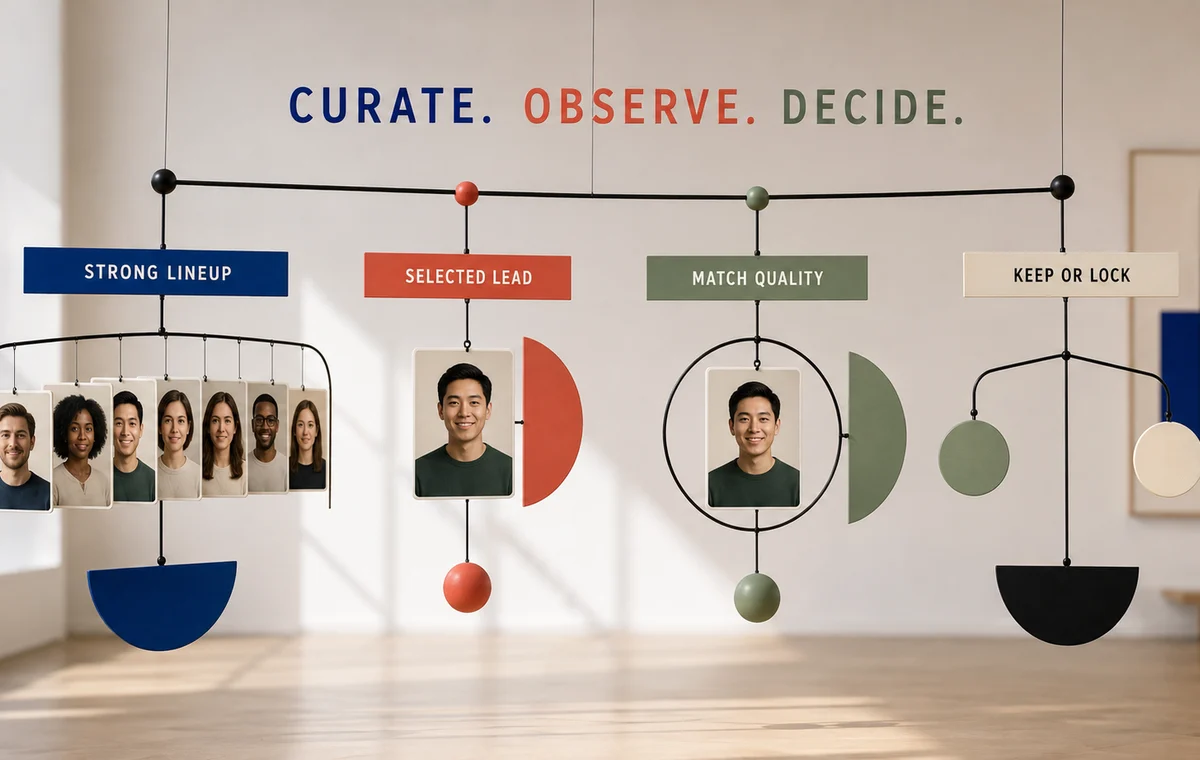
Use the feature as one phase of a controlled review.
- Curate first: choose a lineup where every photo has a distinct role.
- Record the starting order: save a screenshot and note the date.
- Turn on Top Photo: let the feature work without changing your bio, prompts, location, or filters.
- Observe the lead: note which image appears first publicly and whether it changes.
- Review match quality: look at fit and conversation, not only Like count.
- Decide: keep the setting active, lock the strongest lead manually, or replace a weak candidate.
If you want a more disciplined comparison, follow the dating profile A/B testing method and avoid changing other variables during the same window.
Separate the Best Photo From the Best First Photo
ProfileSharp evaluates each image and the story created by its position, helping you see when a strong standalone shot belongs somewhere other than slot one.
Frequently Asked Questions
What does Hinge Top Photo do?
Hinge says it uses a machine-learning model to predict which uploaded profile photo is most likely to receive a Like and places that photo first.
Does Hinge Top Photo change the order I see while editing?
It can. Hinge says the public and Match-list order may differ from the order shown in Edit Profile and View Profile.
Does Top Photo use facial-recognition data?
Hinge says Top Photo does not collect, store, access, or process facial geometry or biometric data.
Does Top Photo keep working when Hinge is paused?
According to Hinge, it can continue testing and reordering photos while the account is paused.
Should everyone use Hinge Top Photo?
No. It is most useful when all candidates are strong and you value automated selection. Manual ordering is better when you need a stable narrative or controlled experiment.