 App Guides & Trends
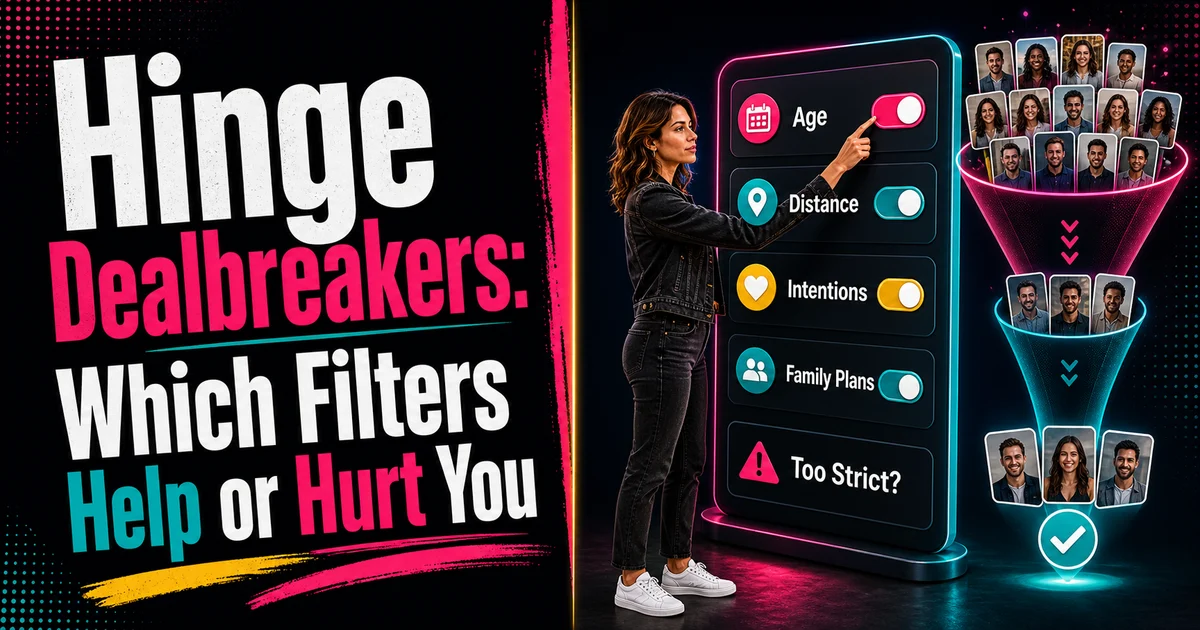
Hinge Dealbreakers: Which Filters Help or Hurt You
Learn which Hinge dealbreakers to set, loosen, or avoid. See how filters affect your dating pool, profile visibility, and match quality.
In this article9 sections
Hinge dealbreakers are useful until they make your dating pool too small to learn anything.
That is the tension. Filters help you avoid obvious mismatches, but they can also quietly remove people you would have liked in real life. Then Hinge feels empty, Standouts look impossible, and every profile starts to feel like the app is hiding good matches.
The fix is not "use no standards." The fix is knowing which dealbreakers protect your dating life and which ones are just anxiety dressed up as precision.
Hinge's own explanation of its recommendation system says the app uses your compatibility settings, dealbreakers, activity, and profile information to learn what works for you. It also warns that unlimited dealbreakers can shrink the dating pool and make it harder to find people.
So the question is not whether Hinge dealbreakers are good or bad. The question is which ones deserve to be strict.
What Hinge Dealbreakers Actually Do
A normal preference says:
"I would prefer this."
A dealbreaker says:
"Do not show me people outside this range."
That difference matters.
If you set distance as a dealbreaker, you are not just saying nearby people are better. You are telling the app to exclude people outside that boundary. If you set family plans, dating intentions, religion, or politics as dealbreakers, you are doing the same thing.
That can be smart. It can also be too tight.
For the bigger system context, read Hinge Algorithm in 2026: Why You're Not Getting Likes.
The Dealbreakers Worth Keeping Strict
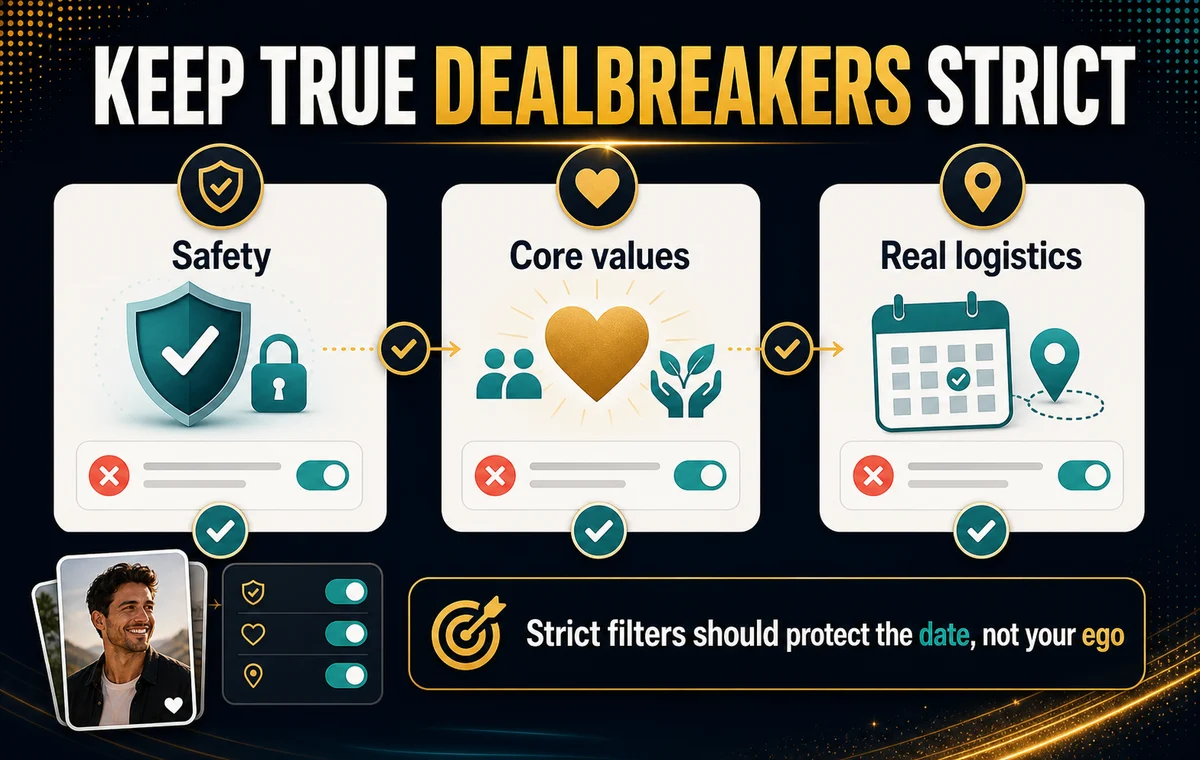
Some filters should stay strict because relaxing them creates dates you already know you would not want.
Keep these strict when they are truly non-negotiable:
| Dealbreaker Type | Keep Strict If | Loosen If |
|---|---|---|
| Safety and comfort | You would not feel comfortable meeting | You are using it to avoid mild uncertainty |
| Family plans | You have a firm life direction | You are unsure and open to discussion |
| Dating intentions | You know the kind of connection you want | You are flexible but wrote the profile like a contract |
| Distance | Logistics would make dating unrealistic | You live in a dense area and set the radius too tightly |
| Age range | Life stage genuinely matters | You are excluding good matches by one or two years |
The test is practical:
Would I still say no if this person were attractive, kind, and clearly interested?
If yes, it is probably a real dealbreaker.
If no, it may be a preference.
Make Your Profile Worth Filtering For
If your filters are strict, your profile has to give the right people a strong reason to choose you. ProfileSharp shows whether your photos signal trust, warmth, and profile quality.
When Dealbreakers Start Hurting You
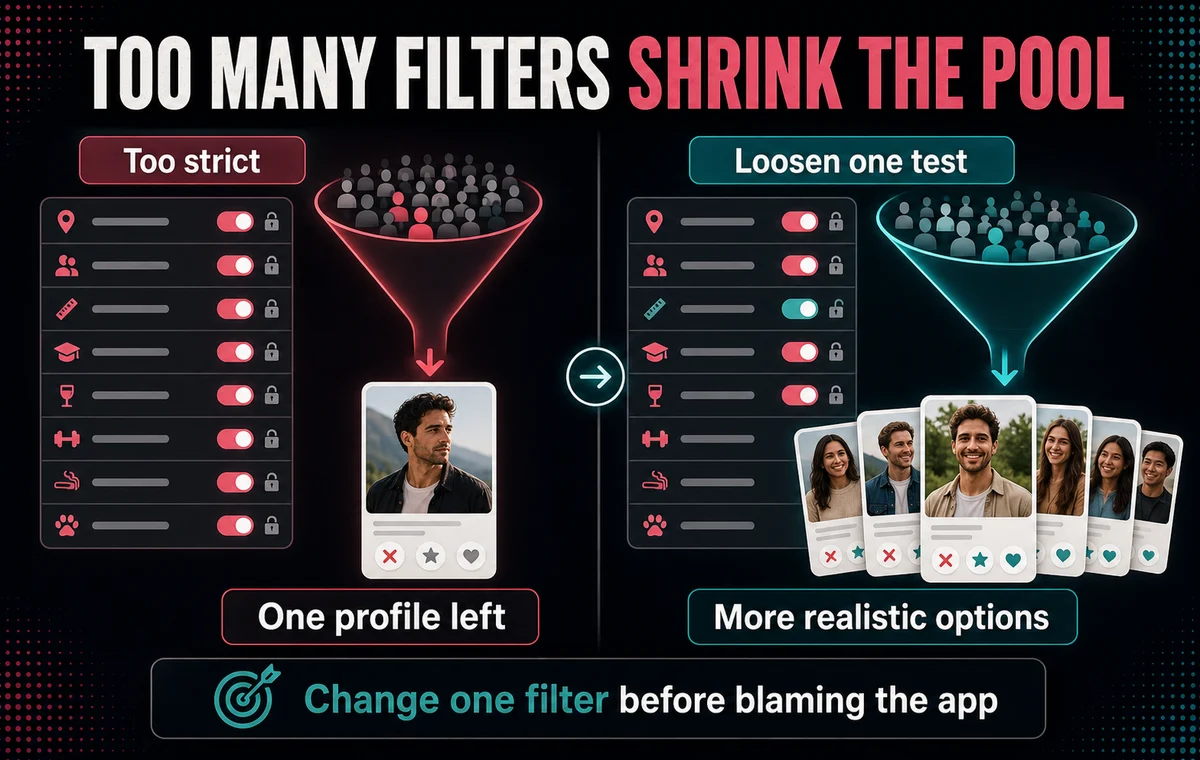
Dealbreakers hurt when they turn Hinge into a tiny sample size.
Warning signs:
- You keep seeing the same type of profile.
- Your feed feels empty or repetitive.
- Standouts look much better than your regular queue.
- You get few likes, but you also exclude many people.
- You blame the algorithm before checking your own settings.
That does not mean Hinge is broken. It may mean your filters are too narrow for your city, age range, or dating goal.
This is especially common with distance. A five-mile radius in a dense city may be enough. A five-mile radius in a spread-out area may remove most of the real pool.
It also happens with dating intentions. If you are still unsure what to pick, read Dating Intentions: What to Put on Your Profile Now before making that field a strict filter.
The One-Filter Test
Do not change everything at once.
If your Hinge results feel too narrow, run a one-filter test for one week.
Choose one filter to loosen:
- Distance: add a few miles or kilometers.
- Age: widen by one or two years.
- Dating intentions: keep your profile clear, but avoid over-filtering.
- Lifestyle fields: remove a dealbreaker if it is more preference than must-have.
Then watch what changes.
You are looking for:
- More relevant profiles
- More likes from people you would actually consider
- Better conversation opportunities
- Less repetition in the feed
If the quality drops badly, tighten it again. If you see more realistic options, keep the new range.
Do Not Use Filters to Hide a Weak Profile
Sometimes people over-filter because they do not want to face a profile problem.
They think:
"Hinge is showing me the wrong people."
But the real issue is:
"The people I want are not responding to my profile."
Filters affect who you see. Your profile affects who wants to talk to you.
If your photos are cold, unclear, heavily edited, or all from the same context, better filters will not fix that. If your prompts are generic, dealbreakers will not make them more compelling.
For the profile side of the equation, read How to Get More Matches on Hinge.
How Paid Filters Fit In
Paid filters can save time when you already have a strong profile and know what matters.
They are less useful when:
- You are getting no likes.
- Your first photo is weak.
- Your prompts do not create conversation hooks.
- You do not know which filters are truly important.
Paid filtering is a sorting tool. It is not a profile repair tool.
That is why the same rule from Dating App Premium: Worth Paying? applies here: fix conversion before paying for more control.
Check the Profile Before Tightening Filters
ProfileSharp helps you see whether your photos are strong enough for the people you are trying to filter toward.
A Simple Hinge Dealbreaker Framework
Use this framework:
- Keep safety, major values, and real logistics strict.
- Treat small preferences as preferences, not dealbreakers.
- Loosen one filter at a time.
- Give each test enough time to show a pattern.
- Improve your profile before assuming filters are the problem.
Good filtering creates focus.
Bad filtering creates an empty room and then blames the room.
FAQ
Do Hinge dealbreakers reduce who sees me?
They can affect the pool of people the app can match you with. Hinge says dealbreakers and compatibility settings shape who is considered, so overly strict filters can make the pool smaller.
Which Hinge dealbreakers should I keep?
Keep filters that protect real compatibility: safety, major values, family plans, dating intentions, and logistics that would make dating impractical.
Should I loosen my distance filter?
If your feed feels repetitive or empty, distance is one of the easiest filters to test. Widen it slightly before changing more personal filters.
Are paid Hinge filters worth it?
They can be useful if your profile already converts and you need better sorting. They are not a fix for weak photos, generic prompts, or low profile appeal.
References
Disclaimer: This article is independent editorial guidance. ProfileSharp is not affiliated with or endorsed by Hinge.