 Messaging & Conversations
OkCupid Intros: How to Message Before Matching in 2026
Learn how OkCupid Intros work, where your message appears, what to write before matching, and how your profile affects the response.
In this article12 sections
- The Short Answer
- How OkCupid Intros Work Now
- Your Profile Still Makes the First Decision
- The O.C.A. Formula: Observe, Connect, Ask
- How Long Should an OkCupid Intro Be?
- OkCupid Intro Examples That Feel Personal
- Intros That Usually Fail
- Regular Intro vs. SuperLike Note
- What to Do After They Like You Back
- The Bottom Line
- FAQ
- References
Most dating apps make you wait for a mutual match before you can say anything. OkCupid gives you another route: send an Intro after liking someone, before they have liked you back.
That sounds like a major advantage. It can be, but only if you understand what the recipient actually sees.
An Intro does not bypass attraction. It places your message next to your full profile while the other person decides whether to like you. Your opener and your photos are evaluated together.
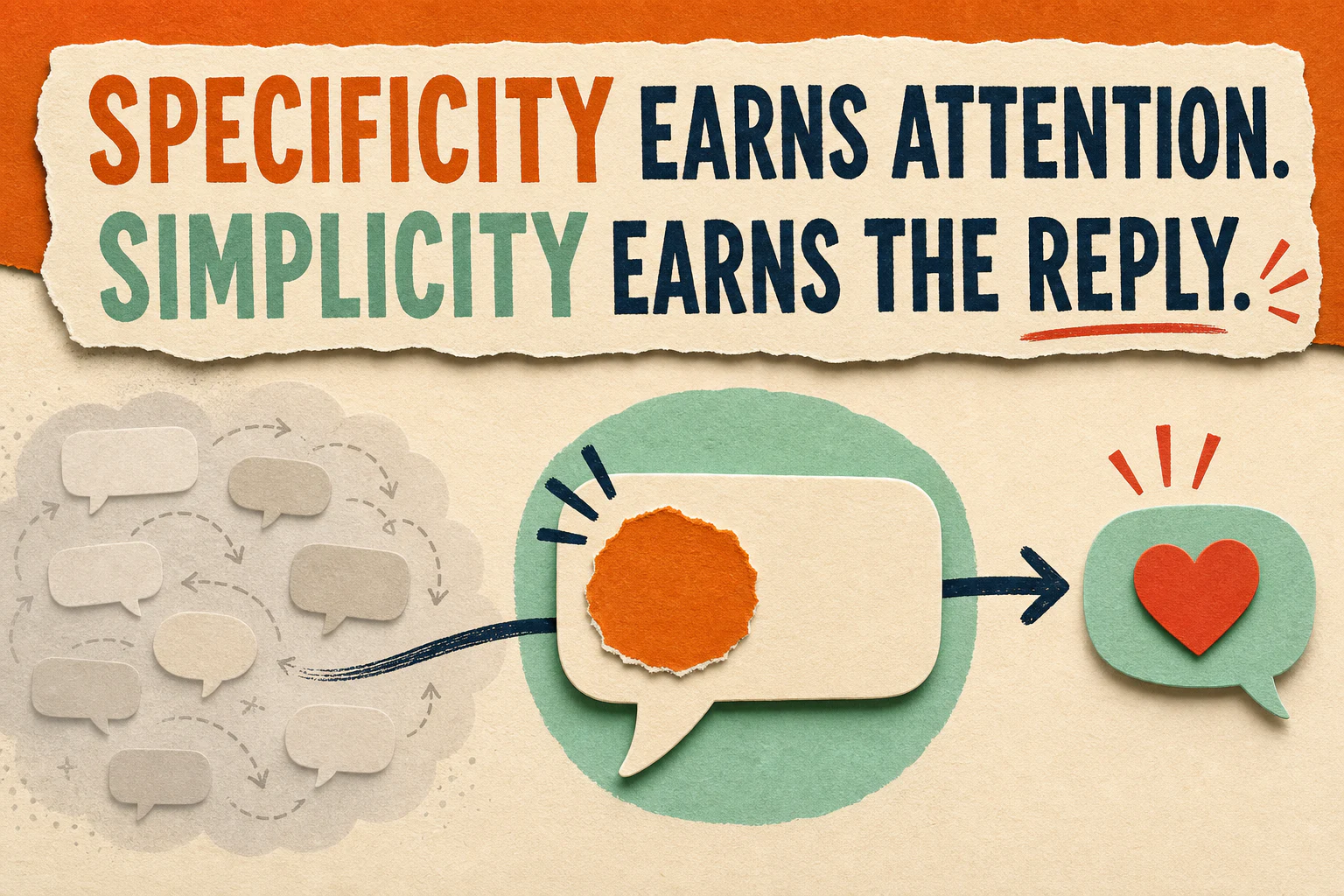
The winning approach is not to write more. It is to notice one real detail, make a relevant connection, and ask something easy to answer.
The Short Answer
To send an OkCupid Intro:
- Like the person.
- Open their full profile.
- Use the message option to send one initial message.
- Wait for them to like you back or reply.
OkCupid says you can send only one initial message before matching. After you send it, the profile is hidden from you until the other person likes you back. The recipient can see your Intro with your profile in Discover or their Intros area. If they like you, the message moves into Conversations and normal two-way messaging begins.
That makes an Intro closer to a profile-assisted pitch than an ordinary chat message.
How OkCupid Intros Work Now
According to OkCupid’s current help center, you must like someone before sending an Intro. Once sent, the Intro moves toward the recipient through Discover and the Intros area.
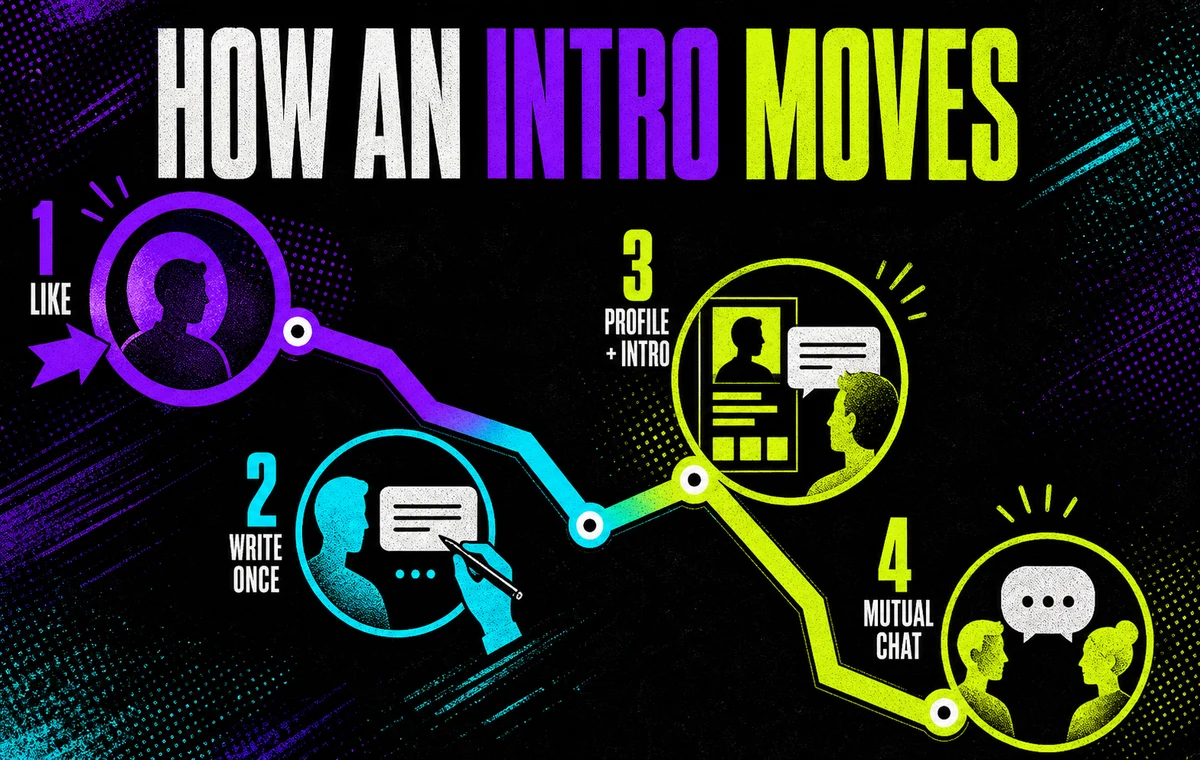
The process has four stages:
| Stage | What you do | What the other person sees |
|---|---|---|
| Like | Like their profile in Discover | Nothing is guaranteed yet |
| Write | Send one initial message from the profile | The Intro is attached to your profile |
| Review | Wait while OkCupid places you in their queue | Your photos, profile, and Intro appear together |
| Match | They like you back or reply | The Intro moves to Conversations |
OkCupid says profiles that sent Intros are moved toward the front of the recipient’s Discover queue. That improves the chance of being reviewed; it does not force a reply or a match.
Why you cannot see the profile after sending
After sending an Intro to someone who has not liked you, OkCupid hides that profile and your sent message from you. It reappears if they like you back.
This prevents you from repeatedly messaging the same person. It also means there is no useful follow-up strategy before a match. Send one thoughtful message and move on.
What the recipient does with an Intro
OkCupid explains that received Intros appear with the sender’s profile in Discover. The recipient can:
- Like the profile, moving the Intro into Messages
- Reply from the profile, which also starts the conversation
- Pass, removing the profile and Intro without notifying the sender
No response is information. Do not interpret it as an invitation to find the person elsewhere or send another message through a different channel.
Your Profile Still Makes the First Decision
An excellent Intro cannot rescue a confusing or low-trust profile.
OkCupid explicitly says the recipient sees your full profile and introduction at the same time. Before they process your clever question, they are already assessing your first photo, photo consistency, bio, intentions, and match-question answers.
Check these five points before spending time on Intros:
- Your first photo is current and clear. Your face should be easy to identify without zooming.
- Your photos look like the same person. Large changes in age, hair, weight, or editing create doubt.
- Your bio gives context. It should add personality and current-life detail rather than list adjectives.
- Your answers support the identity you present. Strong contradictions make the Intro feel less credible.
- Your dating intention is clear. The recipient should not need to decode what you want.
If the written side needs work, use our OkCupid bio and match-question guide. For a deeper explanation of Match %, answers, and recommendations, read how the OkCupid algorithm works.
Your Intro and Profile Are Judged Together
ProfileSharp reviews your dating photos and shows which images strengthen attraction, trust, and the story behind your message.
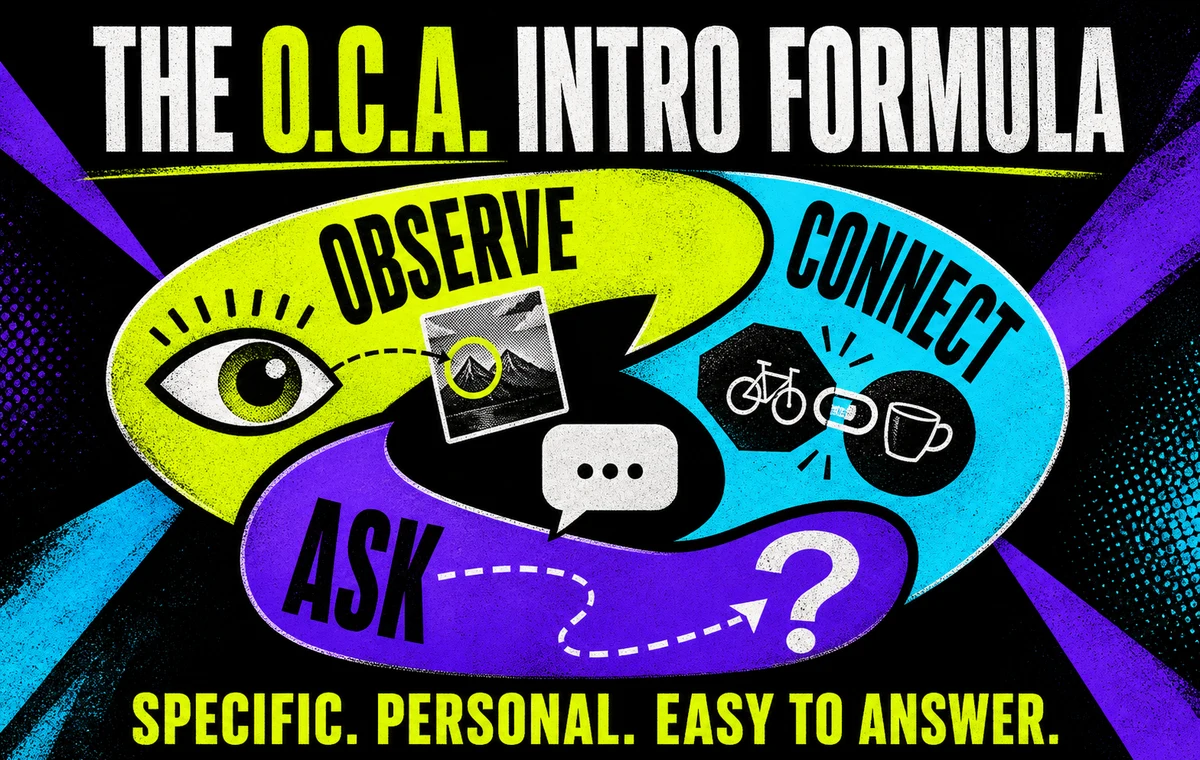
The O.C.A. Formula: Observe, Connect, Ask
The best Intro gives the recipient evidence that you read the profile and a low-effort path to respond.
Use this three-part structure:
Observe
Mention one specific detail from a photo, bio, interest, or public answer.
Weak observation: “You seem interesting.”
Useful observation: “That sunrise photo looks like Masada.”
The detail proves the message is not copied, but observation alone can sound like commentary. Add a connection.
Connect
Explain briefly why that detail caught your attention.
“That sunrise photo looks like Masada. I did the climb last winter and underestimated the 4 a.m. start.”
One sentence is enough. Do not turn the Intro into your autobiography.
Ask
End with a question that is specific and easy to answer.
“Was the view worth the alarm?”
The full Intro becomes:
That sunrise photo looks like Masada. I did the climb last winter and underestimated the 4 a.m. start. Was the view worth the alarm?
It feels personal because it is tied to the profile. It feels safe to answer because the question is narrow and conversational.
How Long Should an OkCupid Intro Be?
OkCupid’s own writing guide recommends keeping an introduction between 40 and 90 characters. Treat that as a useful target, not a reason to cut a natural sentence in half.
A strong Intro is usually one or two short sentences. It should be long enough to prove attention and short enough to understand at a glance beside your profile.
OkCupid also says messages that only say “Hey” have an 84% chance of being ignored. That is OkCupid’s own platform guidance, not a universal law, but the practical lesson is sound: give the recipient something to work with.
OkCupid Intro Examples That Feel Personal
These examples follow the O.C.A. structure without sounding like a questionnaire.
For a travel photo
That Lisbon tram photo brought back the hill I accidentally climbed with a suitcase. What was your best stop there?
For a hobby photo
Your pottery shelf looks suspiciously professional. Which piece took the most attempts to get right?
For a food detail
You made a strong case for spicy ramen in your bio. Are we talking pleasant heat or immediate regret?
For a book or film answer
I respect the confidence of calling that the best sci-fi ending. What would be your runner-up?
For a pet photo
Your dog looks very proud of that hiking bandana. Does he actually enjoy the trail or just the attention?
For a public match-question answer
You chose “plan the trip” over “book the first flight.” What is the one thing you always research first?
Adapt the structure, not the wording. A copied “personal” message stops being personal.
Turn a Profile Detail Into a Natural Intro
Wingman can help you shape a specific opener around the profile detail you noticed without making it sound copied or overproduced.
Intros That Usually Fail
“Hey” or “How are you?”
These messages create all the work for the recipient. They contain no proof of attention and no direction for the conversation.
A compliment with no substance
“You’re gorgeous” may be positive, but it is interchangeable. Compliment taste, effort, humor, or a specific choice when it creates an actual conversation.
A paragraph about yourself
An Intro is not a cover letter. Too much detail asks a stranger to process your life story before deciding whether there is mutual interest.
A compatibility interrogation
OkCupid provides many profile answers, but your first message should not audit them. Ask one light question. Save value-heavy discussions for an established conversation.
Sexual familiarity
OkCupid’s guidance specifically warns against overly familiar comments about someone being “sexy.” A pre-match message should reduce uncertainty, not create pressure.
Demanding proof of interest
Avoid “Do people even reply here?” or “I guess you will ignore this.” The recipient has not done anything to deserve frustration from your previous app experiences.
For more adaptable structures, see our guide to dating app openers that start real conversations.
Regular Intro vs. SuperLike Note
Both features can place a message in front of someone before they like you, but they arrive differently.
| Feature | How it reaches them | Best use |
|---|---|---|
| Regular Intro | Appears with your profile in Discover or Intros | A thoughtful message to a profile with a genuine hook |
| SuperLike note | Appears in a separate SuperLikes area | A limited priority signal for someone you especially want to meet |
OkCupid says messaging and Intros are available with a free account. It also currently says users receive one SuperLike each week, while paid plans can include more.
Do not use a SuperLike merely because you cannot think of a better message. Priority cannot replace relevance.
What to Do After They Like You Back
The Intro has already started the topic, so do not reset the conversation with “How are you?” Continue from their reply.
- Answer any question they asked.
- Add one small piece of your own experience.
- Ask one new question only when it moves the same topic forward.
- Change topics when the current one has naturally finished.
- Suggest a date once there is mutual energy and practical interest.
If the exchange starts well but loses momentum, use how to keep a dating app conversation going. When the interest is clear, move from chat to an actual date instead of building an endless pen-pal thread.
The Bottom Line
OkCupid Intros give you one useful chance to add context before a mutual match. They do not let you talk someone past an incompatible or unconvincing profile.
Like the person, notice one real detail, connect it briefly to yourself, and ask a narrow question. Then let the profile and message work together.
One specific Intro is enough. Send it, move on, and save your attention for people who choose to continue the conversation.
FAQ
Can you message someone on OkCupid before matching?
Yes. After liking a profile, you can send one Intro before the other person likes you. They can see the message with your profile and choose whether to like, reply, or pass.
Are OkCupid Intros free?
OkCupid’s current help center says free accounts can send and receive Likes and Intros. Daily Like limits or other account restrictions can still affect how you use the app.
Can I send a second Intro if they do not respond?
No. OkCupid allows one initial message before matching and hides the profile after it is sent. You can continue messaging if the person likes you back or replies.
Why did the profile disappear after I sent an Intro?
That is expected behavior. OkCupid hides profiles you have already contacted until they like you back, helping prevent repeated outreach.
What is the best first message on OkCupid?
Use one profile-specific observation, one brief connection, and one easy question. Keep it concise, polite, and tied to something the person chose to share.
Does an Intro guarantee they will see me?
No. OkCupid says Intro senders are moved toward the front of Discover and the message appears with the profile, but a recipient can still pass or choose not to respond.