 Safety, Privacy & Wellbeing
Tinder Screenshot Protection: What It Really Blocks
Learn how Tinder screenshot protection works on Android and iOS, what it cannot stop, and how to keep your profile safer to share.
In this article7 sections
Tinder now blocks screenshots and screen recordings of profiles for users in select regions. The change is useful, but it is easy to misunderstand. It reduces one simple way a profile can be copied; it does not make anything you publish impossible to capture or share.
According to Tinder's official screenshot protection guide, the feature is automatic where available. There is no privacy switch to enable. Tinder says Android and iOS handle the protection differently, and it explicitly warns that another device can still photograph a screen.
The practical takeaway is simple: treat screenshot protection as one layer of friction, not permission to post information you would otherwise keep private.
What Tinder Screenshot Protection Does
In supported regions, Tinder prevents the device from capturing profile content through its normal screenshot or screen-recording controls.
Tinder describes the current behavior this way:
| Platform | Officially described behavior |
|---|---|
| Android | Screenshots and screen recordings are blocked completely |
| iOS | Capture is blocked while profiles are displayed |
| Availability | Limited to select regions |
| Setup | Applied automatically; nothing to turn on |
You may see a note about the protection after onboarding or while adding profile photos. If you do not see that notice, do not assume the feature is active on your account or in your region.
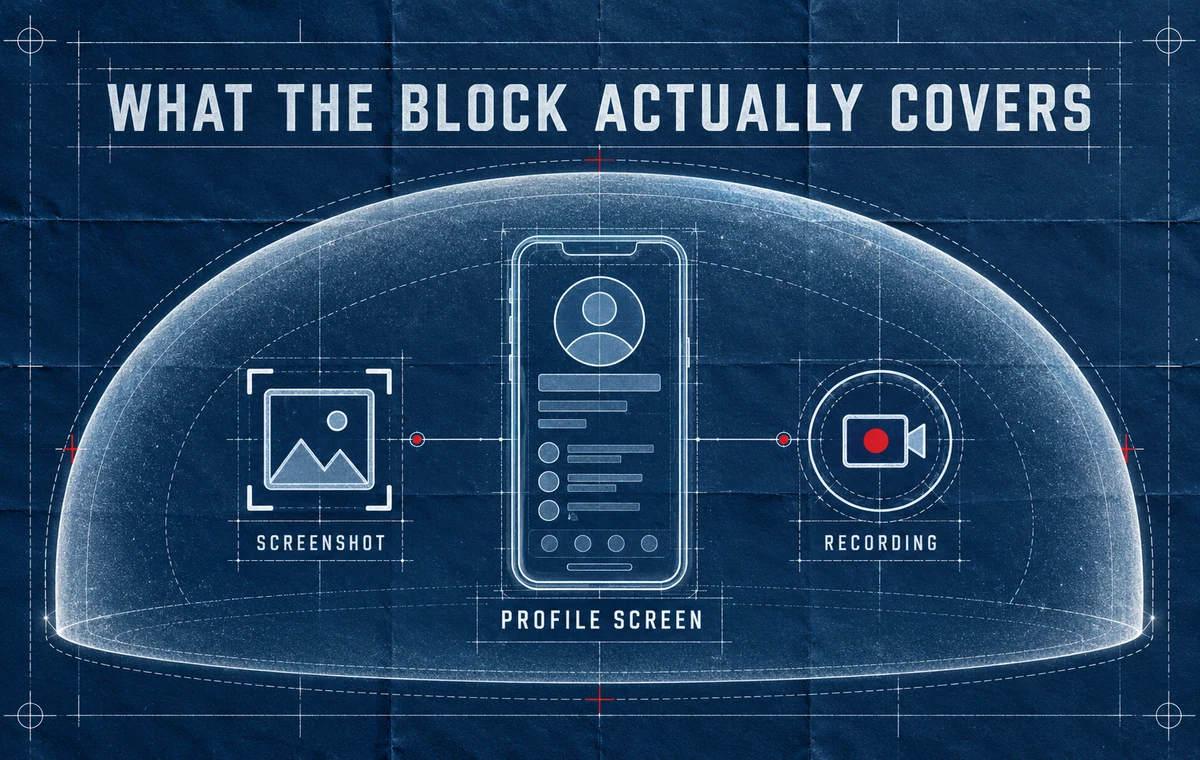
This feature is about profile capture. Tinder's help page does not promise that every screen, notification, conversation, or piece of content is protected in every situation. Avoid expanding a narrow official claim into a blanket guarantee.
What It Does Not Prevent
No screen-control feature can protect content after it is visible to another person. Someone can still use a second phone or camera, remember a detail, copy text manually, or share information they learned from your profile.
The protection also cannot remove clues that are already present in your content. A street sign, workplace badge, apartment view, school name, regular running route, or visible license plate can reveal more than the bio itself.
Tinder's terms remind members that profile content is visible to other people and may be shared outside the service. Its basic safety guide also advises users not to give matches their address, financial details, or phone number before they feel comfortable.
Check the Profile Before You Rely on the Feature
Screenshot blocking cannot fix a photo that exposes your routine, workplace, or home. ProfileSharp can help you review what your images communicate before someone else sees them.
Think in Layers, Not Absolutes
A safer profile uses several layers at once:
- Platform protection: screenshot and recording controls when available.
- Content restraint: leaving private details out of photos, prompts, and bios.
- Conversation boundaries: sharing contact and location details gradually.
- Account action: blocking or reporting suspicious behavior when necessary.
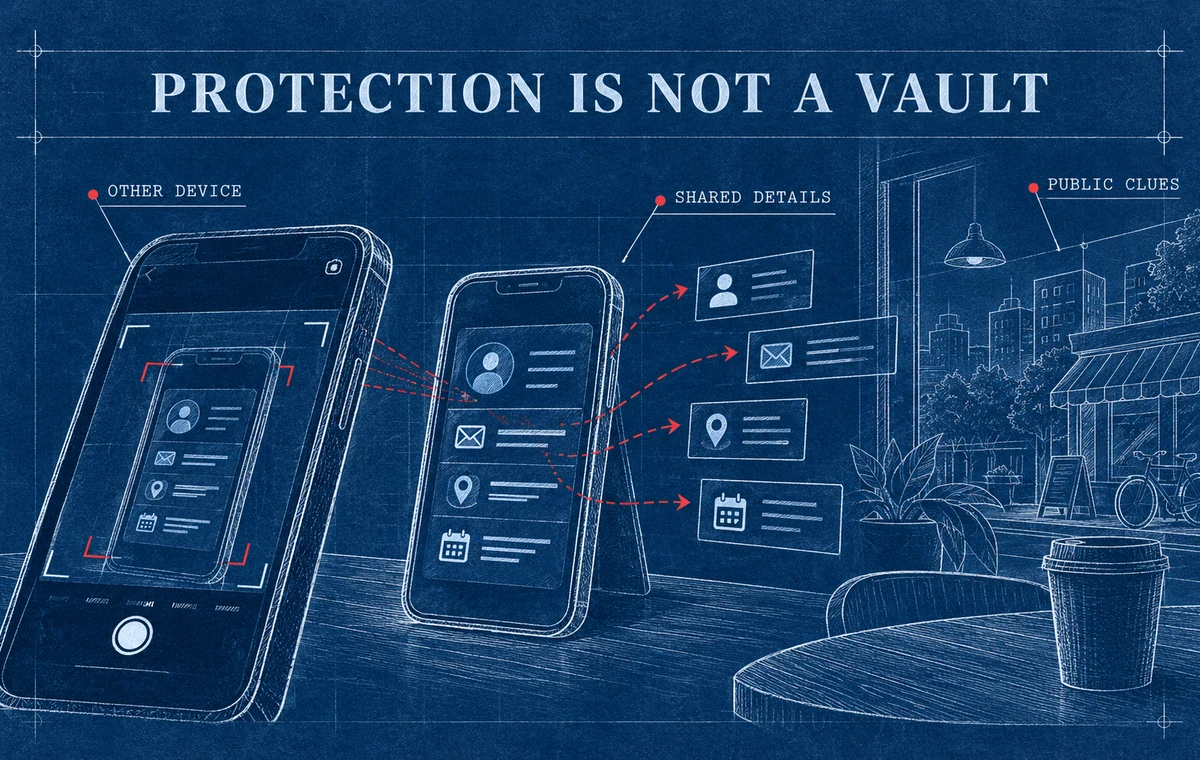
The first layer belongs to Tinder. The next three depend on your choices. That is why the feature should improve your privacy routine without replacing it.
Run a Share-Safe Profile Audit
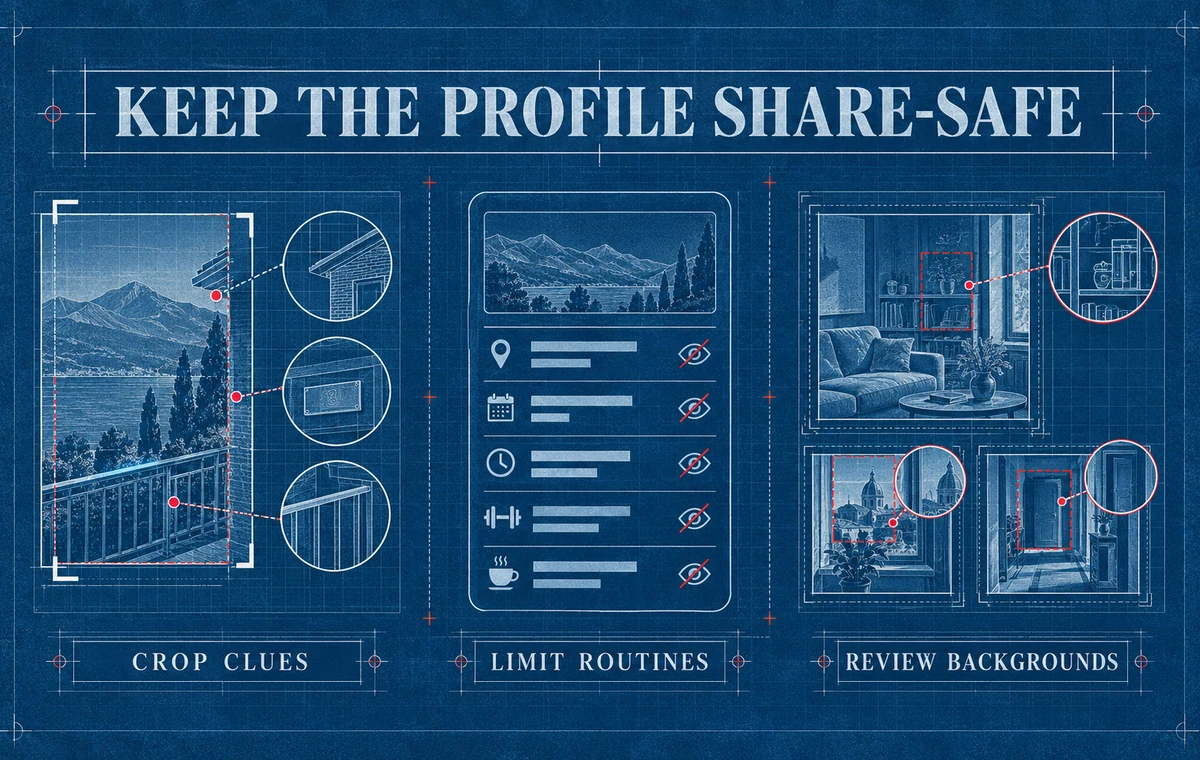
Open each photo full screen and ask what a stranger could learn without speaking to you.
Check backgrounds
Look for building names, street numbers, office passes, car plates, school logos, mail, calendars, certificates, and reflections. Crop, blur, or replace any image that makes a sensitive location or routine easy to identify.
Check your written details
A first name, exact employer, small neighborhood, and highly specific schedule may become identifying when combined. You do not need to make the profile empty. Use details that create conversation without mapping your daily life.
Check repeated locations
One café photo is ordinary. Four photos from the same small venue plus a line about being there every Tuesday creates a pattern. Show your lifestyle without publishing a timetable.
Check people around you
Friends, children, coworkers, and strangers did not necessarily agree to become part of your dating profile. Prefer photos where other people are absent, unidentifiable, or clearly comfortable being included.
For a broader review, use the full dating app privacy checklist. If your concern is whether your photos create a misleading impression rather than a privacy risk, the accidental catfishing guide covers that separate problem.
What to Do If You Need Evidence
Screenshot protection can create a legitimate question: what happens when you need to document harassment, impersonation, or another safety issue?
Use Tinder's in-app reporting tools first. Preserve information you can safely record, such as the person's displayed name, approximate age, bio details, and what happened. Do not put yourself at risk trying to defeat a protection feature.
If the situation involves an immediate threat, contact local emergency services. For non-immediate concerns, report through the app and follow the instructions Tinder provides for the specific case.
Make Privacy Part of Profile Quality
A strong profile can be specific without exposing sensitive details. Review your photo lineup for both first-impression quality and unnecessary personal clues.
Frequently Asked Questions
Does Tinder notify someone if I try to screenshot their profile?
Tinder's official help page says the device prevents the capture where protection applies. It does not say the profile owner receives a notification.
Can I turn Tinder screenshot protection on or off?
Tinder says the protection is automatic in supported regions, so there is no setting to enable. Availability may differ by location and device.
Does Tinder block screen recording too?
Yes, Tinder's feature covers both screenshots and screen recordings of profiles in supported regions. The exact device behavior differs between Android and iOS.
Can someone still photograph my profile with another phone?
Yes. Tinder explicitly notes that no technology can completely prevent capture or sharing through another device.
Should I remove all specific details from my profile?
No. Specific details make profiles easier to understand and respond to. Remove details that expose identity, location, routines, finances, or other sensitive information—not the personality that makes the profile useful.